




 Parallels
 Access
 Portfolio
 UltraEdit
 Dreamweaver
 Visual Studio
 Docker
 Antigravity
-
Latest Version
-
Operating System
macOS 10.12 Sierra or later
-
User Rating
Click to vote -
Author / Product
-
Filename
Postman for macOS (x64).zip
-
MD5 Checksum
9ffec7a8acf904ae39ee76efec59f4ce
Sometimes latest versions of the software can cause issues when installed on older devices or devices running an older version of the operating system.
Software makers usually fix these issues but it can take them some time. What you can do in the meantime is to download and install an older version of Postman 12.20.1.
For those interested in downloading the most recent release of Postman for Mac or reading our review, simply click here.
All old versions distributed on our website are completely virus-free and available for download at no cost.
We would love to hear from you
If you have any questions or ideas that you want to share with us - head over to our Contact page and let us know. We value your feedback!
-
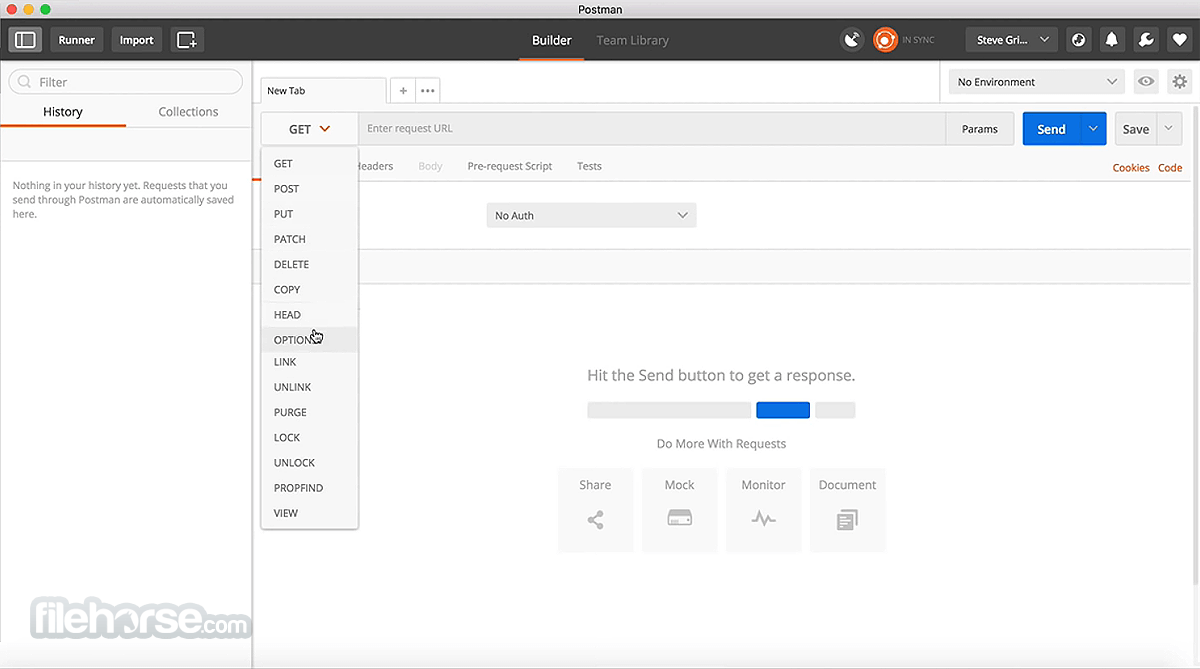
Postman 12.20.1 Screenshots
The images below have been resized. Click on them to view the screenshots in full size.
-

-

What's new in this version:
Code mocks are now available in Cloud View:
Available as a beta feature:
- Code mocks let you simulate APIs using custom JavaScript request handlers and response logic. You can now create and run code mock servers in Cloud View, making it easier to develop, test, and share API simulations with your teammates.
- Code mocks in Cloud View receive a unique URL and are always available to handle requests. If you’re on a paid plan, you can also deploy a local code mock as a mock server, turning it into a cloud-hosted service your team can send requests to at any time. By default, cloud code mock servers are private and can only be accessed by workspace members or callers that provide a valid Postman API key.
Simulations are now available in Cloud View:
- With Postman Simulator, you can now create and run simulations in Cloud View. Simulations let you apply conditions such as response delays, rate limits, and error responses across one or more code mocks, making it easier to test how applications behave under real-world conditions.
Track your interactions with the Postman Browser Tool:
- The Postman Browser Tool now records your interactions with a page as you browse. In the Interactions tab, you can review each event. This includes who drove it (Agent Mode or you), the action type, the Playwright locator used to identify the element, and the time since the previous interaction. You can also ask Agent Mode to generate Playwright tests or API requests and tests based on your recorded activity.
Improved:
Keep code mocks in sync with collections and specifications:
- When you create a code mock from a collection or API specification, you can now choose to keep it synchronized with the source. Changes to the collection or specification are automatically reflected in the code mock.
Inspect and debug state in code mocks:
- Code mocks now include improved state management and debugging tools. You can configure state sessions and inspect pm.state values to better understand and troubleshoot stateful behavior.
Use packages in code mocks:
- You can now use packages in your code mock implementations, making it easier to reuse code and extend mock server functionality. Code mock servers support packages from the Package Library and external registries.
More ways to access code mocks in simulations:
- With Postman Simulator, you can now choose how requests access code mocks in a simulation. Use a URL path or request header to specify which mock server should handle a request.
- These options make it easier to integrate simulations into different testing and development workflows
- To learn more, see Simulate real-world conditions in Postman
Manage public code mock servers:
- Team Admins can now control whether code mock servers can be made public and require approval before a public code mock server is published
 OperaOpera 134.0 Build 5954.26
 PhotoshopAdobe Photoshop CC 2026 27.8
 OKXOKX - Buy Bitcoin or Ethereum
 WPS OfficeWPS Office
 Adobe AcrobatAdobe Acrobat Pro 2026.001.21691
 CleamioCleamio 3.4.0
 MalwarebytesMalwarebytes 5.25.2
 TradingViewTradingView - Track All Markets
 CleanMyMacCleanMyMac X 5.2.10
 AdGuard VPNAdGuard VPN for Mac 2.9.0
Comments and User Reviews