




 CapCut
 4K Video
 Restream
 After Effects
 Filmora
 VideoPaw
 Premiere Pro
 Amazon Prime
-
Latest Version
-
Operating System
macOS 10.13 High Sierra or later
-
User Rating
Click to vote -
Author / Product
-
Filename
OBS-Studio-32.2.0-macOS-Intel.dmg
-
MD5 Checksum
ee3d36a5855dc12b633dcb0cc8f5ceba
Sometimes latest versions of the software can cause issues when installed on older devices or devices running an older version of the operating system.
Software makers usually fix these issues but it can take them some time. What you can do in the meantime is to download and install an older version of OBS Studio 32.2.0.
For those interested in downloading the most recent release of OBS Studio for Mac or reading our review, simply click here.
All old versions distributed on our website are completely virus-free and available for download at no cost.
We would love to hear from you
If you have any questions or ideas that you want to share with us - head over to our Contact page and let us know. We value your feedback!
-
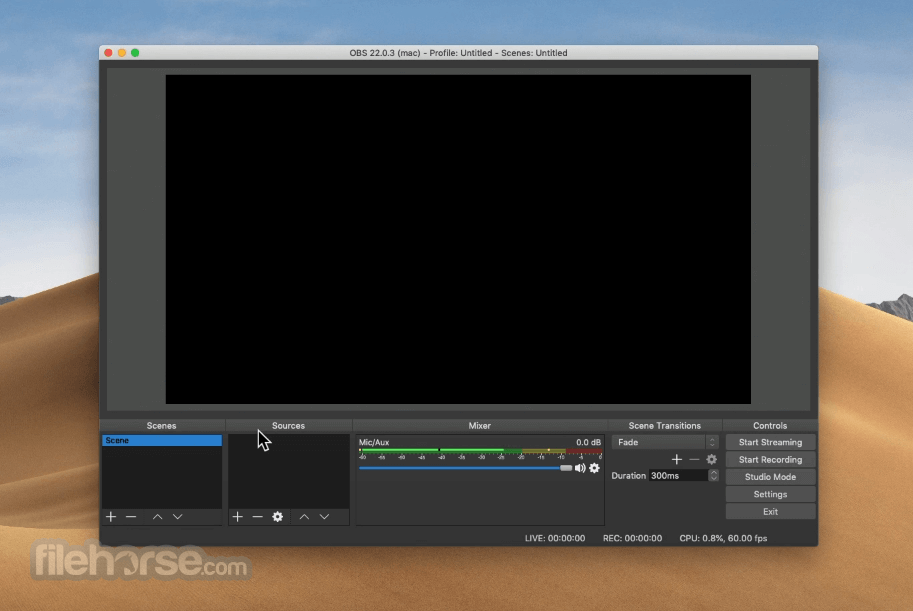
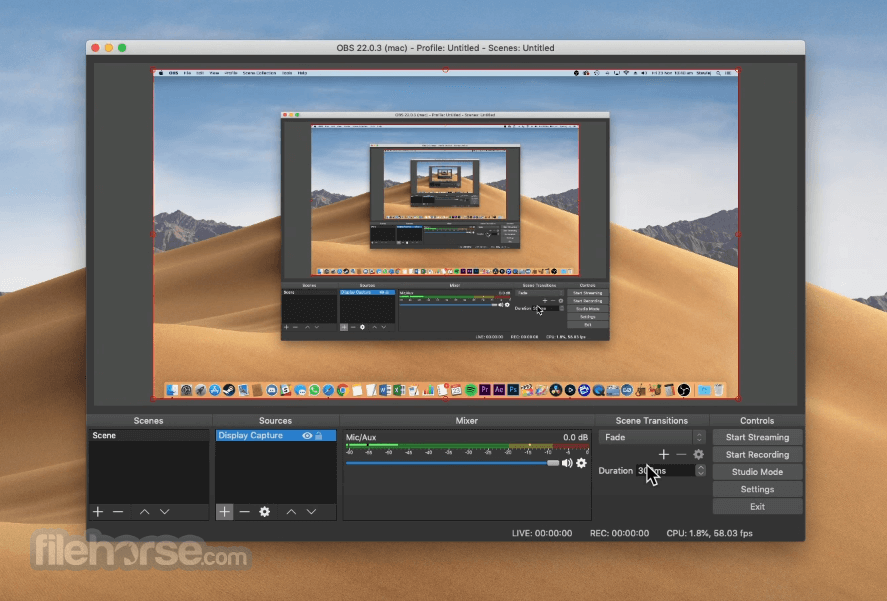
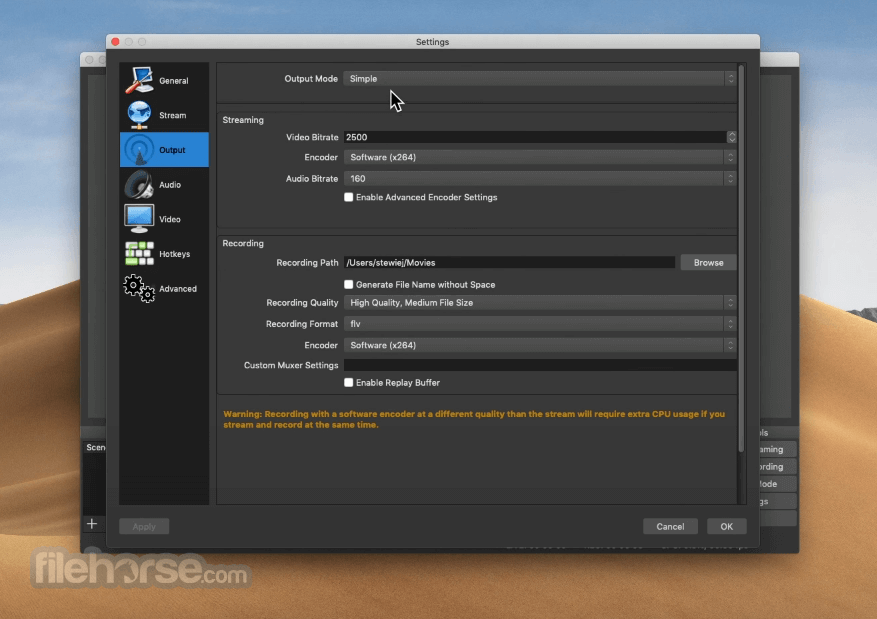
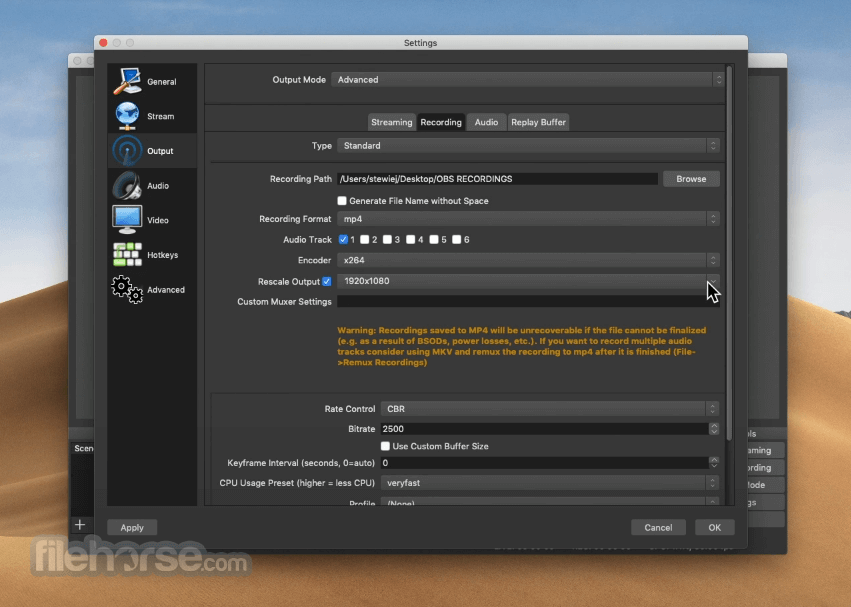
OBS Studio 32.2.0 Screenshots
The images below have been resized. Click on them to view the screenshots in full size.
-
-
-
-

What's new in this version:
New Features:
- Replaced add source dropdown with new dialog
- Added copy paste functions to frontend API
- Added filter to compose SDR into HDR
- Added delete as a hotkey to delete sources on macOS
- Added dynamic bitrate support to multitrack video
- Added missing file support for filters
- Added ability for plugins to set custom icons for new source types
- Improved FPS selector UX
- Included .webp files when adding a directory to Image Slide Show source
Changed:
- Forced Intel-based installations to update to Apple Silicon version on macOS
- This change means that OBS Studio versions built for Intel-based Macs but running on Apple Silicon Macs will automatically update to OBS Studio built for Apple Silicon Macs. If an installation was using third-party plugins, those plugins will no longer load until replaced with Apple Silicon versions.
- Fixed audio mixer state getting out of sync when changing settings via websockets or plugins
- Added theming for checked QToolButtons
- Added minimum width to spinboxes
- Changed new capture devices to use fallback frame rate by default
- Improved OpenGL performance slightly on low-end machines
- Set minimum size for color source to 1 pixel
- Disallowed overwriting the crash handler
- Applied process mitigation policies for Windows
- Adjusted description of multitrack video
- Improved DLL loading behavior on Windows
- Limited multitrack video config to Custom service
- Removed redundant "Monitor Only" from the Advanced Audio Properties window
- Mute and Monitor are handled independently in the new Audio Mixer
- Removed Close button from What's New dialog
- Removed margins from What's New dialog
Fixed:
- Fixed OAuth and dock state save corruption
- Fixed group bounds not resizing when removing items
- Fixed canvas mixes not being restored after video reset
- Fixed some erroneous crashes during shutdown
- Fixed display capture sometimes capturing black after a duplicator failure
- Fixed color of controls dock output buttons in System theme
- Fixed virtual camera reset failures
- Fixed potential crash when user discards changes in the settings window
- Fixed incorrect return value in virtualcam filter
- Fixed source toolbar buttons not working after dragging a source into a group
- Fixed properties hint icon spacing
- Fixed potential crash when a video device reconnects on macOS
- Fixed an issue where PipeWire could fail on NVIDIA GPUs
- Fixed obs_canvas_get_video_info returning incorrect framerate
- Fixed NVENC using incorrect bitrate in CQVBR mode
- Fixed VAAPI AV1 not working when streaming with WHIP
Deprecations:
- Deprecated obs_properties_add_button
 OperaOpera 134.0 Build 5954.56
 PhotoshopAdobe Photoshop CC 2026 27.9.1
 OKXOKX - Buy Bitcoin or Ethereum
 WPS OfficeWPS Office
 Adobe AcrobatAdobe Acrobat Pro 2026.001.21789
 CleamioCleamio 3.4.0
 MalwarebytesMalwarebytes 5.25.2
 TradingViewTradingView - Track All Markets
 CleanMyMacCleanMyMac X 5.2.10
 AdGuard VPNAdGuard VPN for Mac 2.9.0
Comments and User Reviews