




 Visual Studio
 UltraEdit
 Access
 Parallels
 Docker
 Dreamweaver
 Antigravity
 Portfolio
-
Latest Version
-
Operating System
macOS 12.0 Monterey or later
-
User Rating
Click to vote -
Author / Product
-
Filename
BBEdit_16.0.1.dmg
Sometimes latest versions of the software can cause issues when installed on older devices or devices running an older version of the operating system.
Software makers usually fix these issues but it can take them some time. What you can do in the meantime is to download and install an older version of BBEdit 16.0.1.
For those interested in downloading the most recent release of BBEdit for Mac or reading our review, simply click here.
All old versions distributed on our website are completely virus-free and available for download at no cost.
We would love to hear from you
If you have any questions or ideas that you want to share with us - head over to our Contact page and let us know. We value your feedback!
-
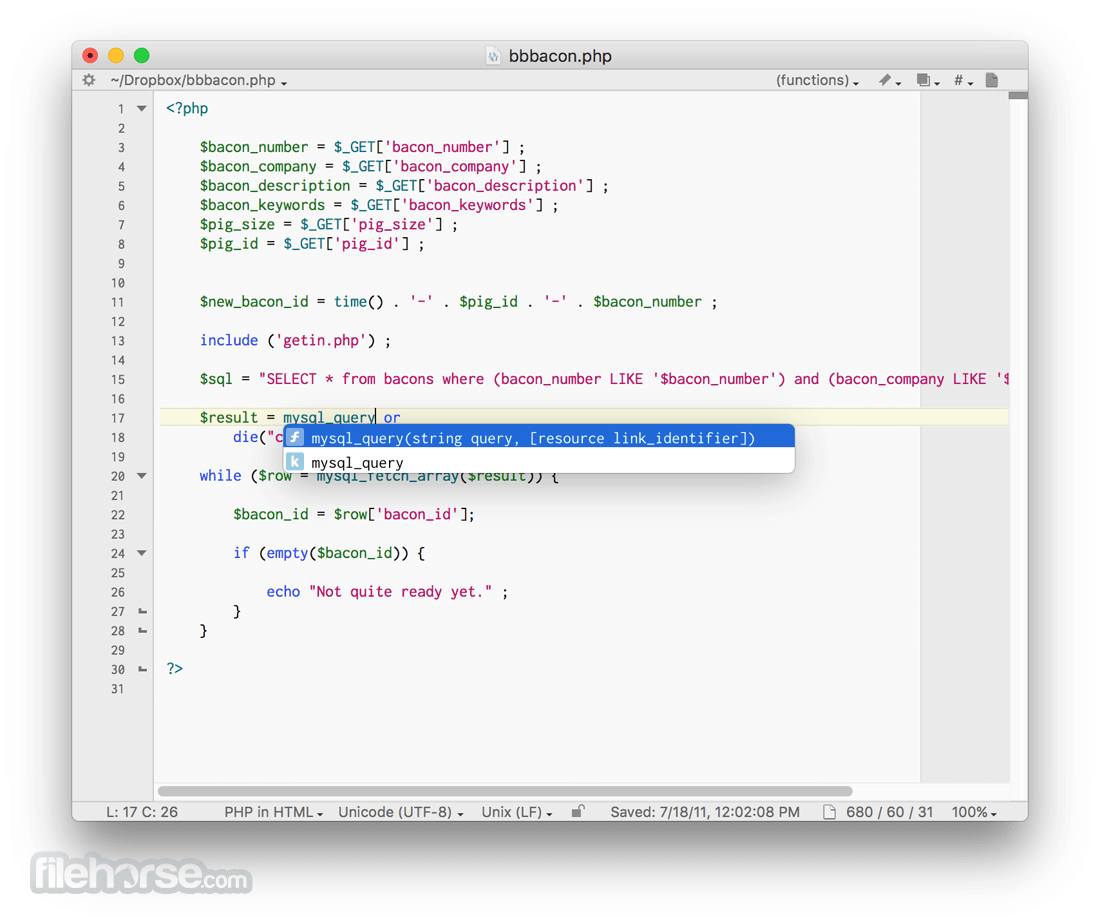
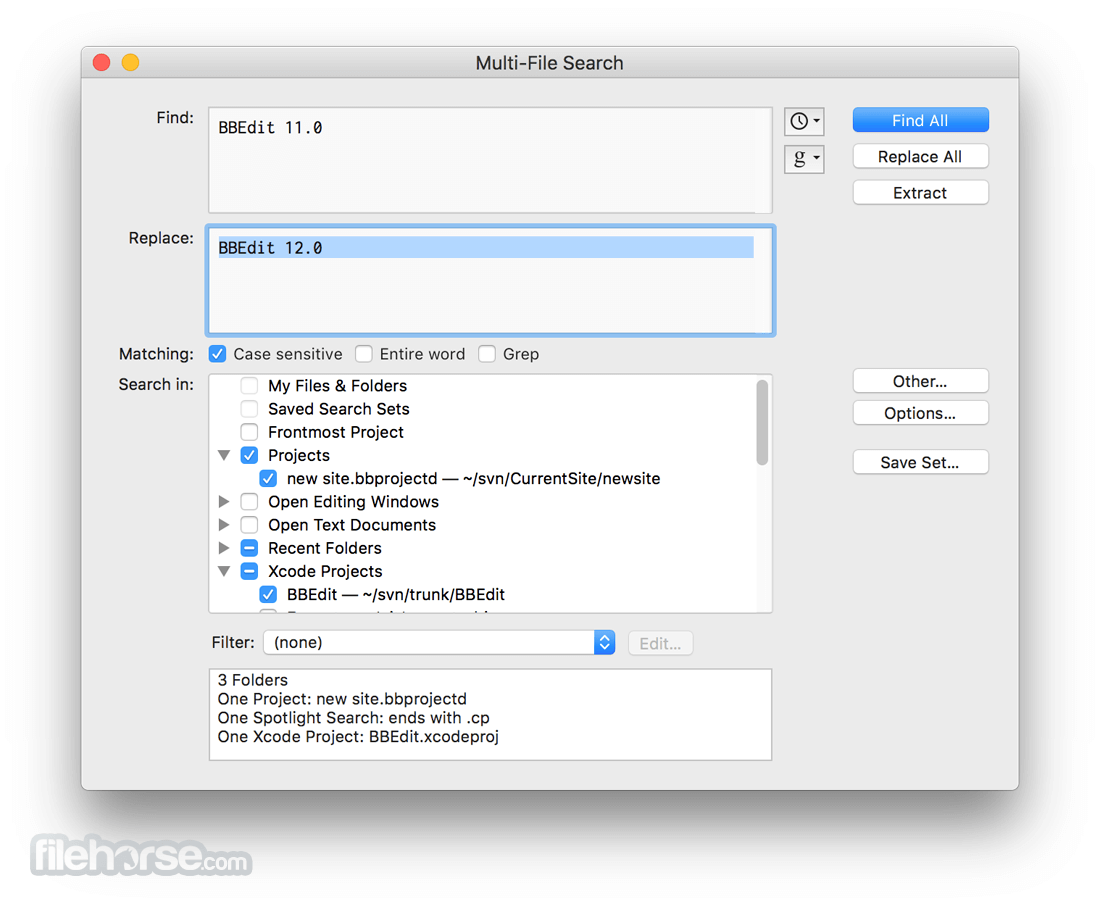
BBEdit 16.0.1 Screenshots
The images below have been resized. Click on them to view the screenshots in full size.
-

-
-

-

What's new in this version:
Fixed:
- Fixed a bug in which externally opening a disk-based project which was already open would select its project settings pane
- Fixed bug in which password prompts from sudo and ssh in shell worksheets were not being handled by the application as they should have been
- Allow hours and days in the Unix script progress window, for scripts that take that long to run
- Fixed bug in which the file panel presented by the “Run Unix Filter” text factory configuration panel was a little too aggressive in filtering things
- Improved the experience when editing Markdown files which are used as input for various content systems such as Jekyll which use custom attributes to signal Markdown content inside of div and other blocks
- Fixed regression in which a partial line selection was inappropriately used for determining the range of text to be processed for line-oriented transformations (such as Process Lines Containing). This usually resulted in no work being done
- Fixed a regression in codeless language module scanning which would cause a hang or crash in some cases
- Improved recognition of DSL-style Perl function declarations, as used by Dancer2
- Corrected navigation and selection behavior when using Visual (Line) mode with vi key bindings enabled
- Fixed reporting when the W3C validator service returns HTTP status 503 (“service unavailable”)
- Made a change to prevent a crash which could occur during system theme switching (light mode to dark)
- Fixed bug in which fold ranges for parameterless math environments in TeX files weren’t correct unless the opening delimiter was followed with a space
- Updated stale content in the What’s New page in the help book
- Adjusted links to “Editors at War”
- Fixed deadlock which would occur when a remote SFTP server unexpectedly closed down the connection unilaterally
- Fixed a layout glitch in which expanding and collapsing the site settings view in a project window would reshape the window
- Fixed bug in which projects included in a multi-file search didn’t search any image files referenced by the project
- Fixed cases in which sidebar search in notebooks would sometimes fail to find notes that matched the search words
- Made a change to only use the W3C validator (by default) when the document’s DOCTYPE declaration signals HTML5, and not for older HTML document types
- Corrected the behavior of “G” when used as an operation modifier in vi command mode
- Corrected repeat-operator behavior in vi emulation
- Corrected off-by-one stacking placement when creating new windows
- Fixed keyboard input mapping issue when a DefaultKeyBinding.dict file is in use with equivalents specifying numeric keypad keys
- Corrected vi visual/operator G selection endpoint calculation
- Corrected link to the W3C checker help on the web site
- Fixed bug in which opening a single file from an FTP browser window would sometimes open it again in cases where the corresponding document was already open
- Made a change so that commands sent in shell worksheets no longer appear in the shell’s own global history
- If a service error is returned by the W3C validator during a batch check (folder/site), the error is logged into the results rather than being allowed to interrupt the batch operation
- Fixed bug in which FTP/SFTP client connections weren’t correctly being reused, leading to unnecessary reauthentication (which was generally invisible but would become a nuisance when 2FA was in use)
- Made a change to fix reported symptoms in which the App Store subscription status was not presented correctly at startup
- Fixed bug in which changing W3C validator settings in the HTML-specific language preferences didn’t affect the behavior as intended
- Fixed bug in which the application would incorrectly determine the download file size of a remote SFTP file, sometimes leading to unexpected results if the file had been changed on the server in between the local determination of the file size and the actual download
- Made changes to improve handling of W3C validator rate limits, which show up as HTTP 503 (“service unavailable”) errors during batch checks
- Fixed performance bug in “Check Site Links”
- File name case warnings when checking links include the actual name of the file on disk
- Corrected cosmetic behavior of indeterminate progress bars in application-modal progress dialogs
 OperaOpera 134.0 Build 5954.66
 PhotoshopAdobe Photoshop CC 2026 27.9.1
 OKXOKX - Buy Bitcoin or Ethereum
 WPS OfficeWPS Office
 Adobe AcrobatAdobe Acrobat Pro 2026.001.21789
 CleamioCleamio 3.4.0
 MalwarebytesMalwarebytes 5.25.2
 TradingViewTradingView - Track All Markets
 CleanMyMacCleanMyMac X 5.2.10
 AdGuard VPNAdGuard VPN for Mac 2.9.0
Comments and User Reviews