




 Visual Studio
 Parallels
 Dreamweaver
 Access
 Portfolio
 Docker
 Antigravity
 UltraEdit
-
Latest Version
-
Operating System
macOS 12.0 Monterey or later
-
User Rating
Click to vote -
Author / Product
-
Filename
BBEdit_16.0.dmg
Sometimes latest versions of the software can cause issues when installed on older devices or devices running an older version of the operating system.
Software makers usually fix these issues but it can take them some time. What you can do in the meantime is to download and install an older version of BBEdit 16.0.
For those interested in downloading the most recent release of BBEdit for Mac or reading our review, simply click here.
All old versions distributed on our website are completely virus-free and available for download at no cost.
We would love to hear from you
If you have any questions or ideas that you want to share with us - head over to our Contact page and let us know. We value your feedback!
-
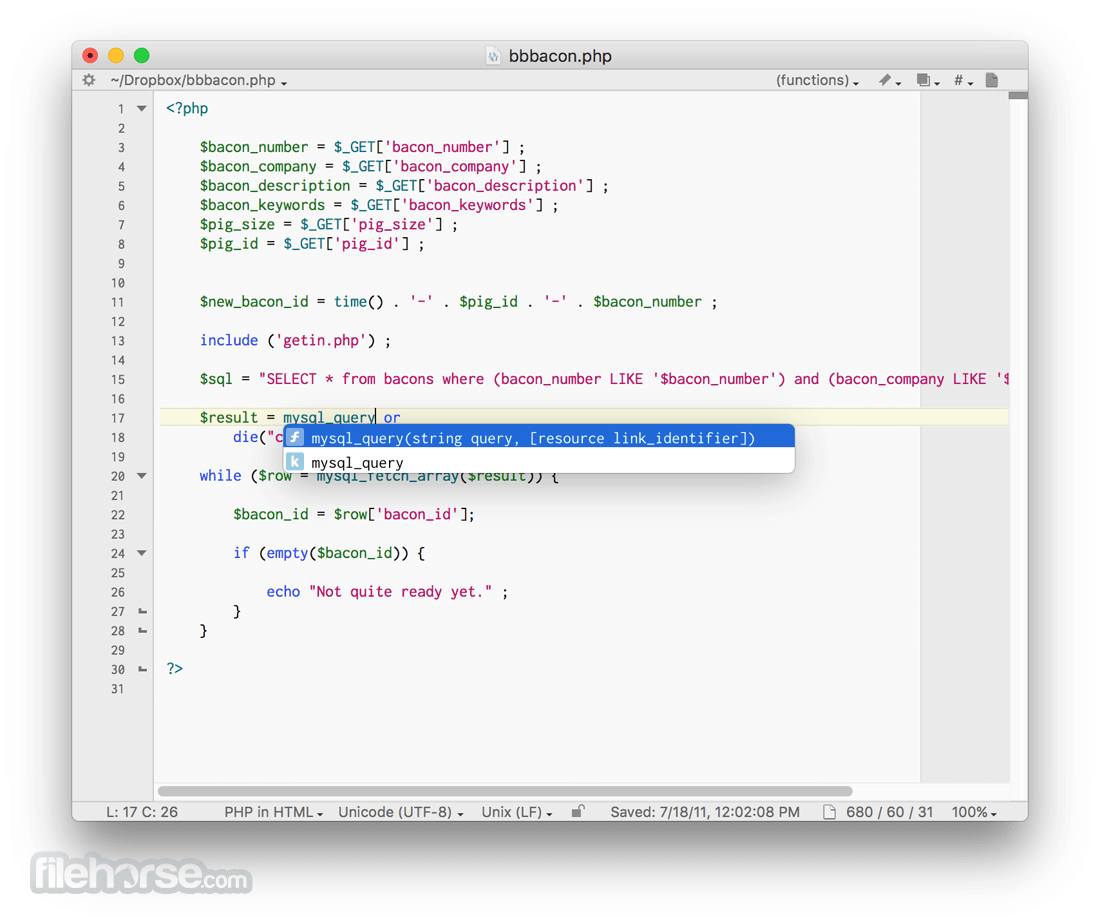
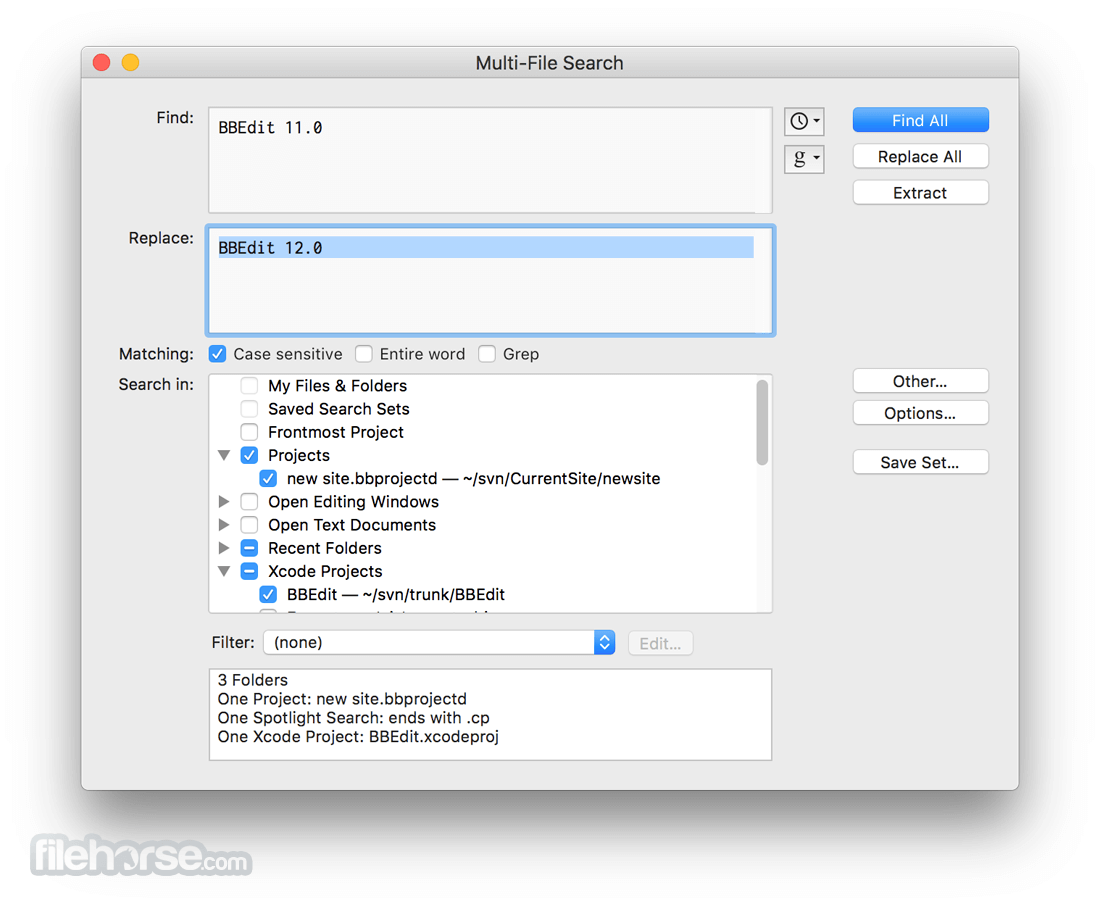
BBEdit 16.0 Screenshots
The images below have been resized. Click on them to view the screenshots in full size.
-

-
-

-

What's new in this version:
Expanded Shortcuts support:
- With an entire collection of brand new actions, powered by App Intents, expanded Shortcuts support now makes BBEdit’s powerful text transformations even more available to workflows outside of the application
Search for text in images:
- Yes. You can now use BBEdit to find text in images. Yes. Multi-file search for text in images. Yes. Multi-file search for text in images using grep. Mmmhmmm. You didn’t rename the file, but you know the meme image included the word humid? You know you dropped it somewhere. We’ve got you.
Color Customizations for Projects and Notebooks:
- Help keep things straight using color as a guide, with the new ability to select a color scheme per-project (and per-Notebook). Choose from a variety of factory-supplied color schemes, or devise your very own.
AI Chat Worksheets improvements:
- AI worksheet users will now enjoy reduced response times, and the ability to watch results stream in
In addition to the features highlighted above, BBEdit 16 includes the following notable additions and changes (and many more):
- Use of the W3C HTML5 syntax checker to improve syntax checking in HTML5 documents and help you keep up with evolving standards and guidelines
- Support for vi keyboard emulation, for basic navigation and editing
- Numerous quality-of-life improvements to the built-in Git support
- Additional configuration options in web site projects, including settings for “production” versus “testing” deployment locations
- Significant throughput improvements in the built-in SFTP file transfer engine
- A wide array of reworked internals, fine tuning and optimizations resulting in palpable performance improvements across multiple features and capabilities
 OperaOpera 134.0 Build 5954.56
 PhotoshopAdobe Photoshop CC 2026 27.9.1
 OKXOKX - Buy Bitcoin or Ethereum
 WPS OfficeWPS Office
 Adobe AcrobatAdobe Acrobat Pro 2026.001.21789
 CleamioCleamio 3.4.0
 MalwarebytesMalwarebytes 5.25.2
 TradingViewTradingView - Track All Markets
 CleanMyMacCleanMyMac X 5.2.10
 AdGuard VPNAdGuard VPN for Mac 2.9.0
Comments and User Reviews