




 Watermark
 CorelDRAW
 Lightroom
 Leonardo AI
 Luminar Neo
 ACDSee
 Apple Studio
-
Latest Version
-
Operating System
macOS 10.12 Sierra or later
-
User Rating
Click to vote -
Author / Product
-
Filename
ActivePresenter_v10.5.0_setup.dmg
Sometimes latest versions of the software can cause issues when installed on older devices or devices running an older version of the operating system.
Software makers usually fix these issues but it can take them some time. What you can do in the meantime is to download and install an older version of ActivePresenter 10.5.0.
For those interested in downloading the most recent release of ActivePresenter for Mac or reading our review, simply click here.
All old versions distributed on our website are completely virus-free and available for download at no cost.
We would love to hear from you
If you have any questions or ideas that you want to share with us - head over to our Contact page and let us know. We value your feedback!
-
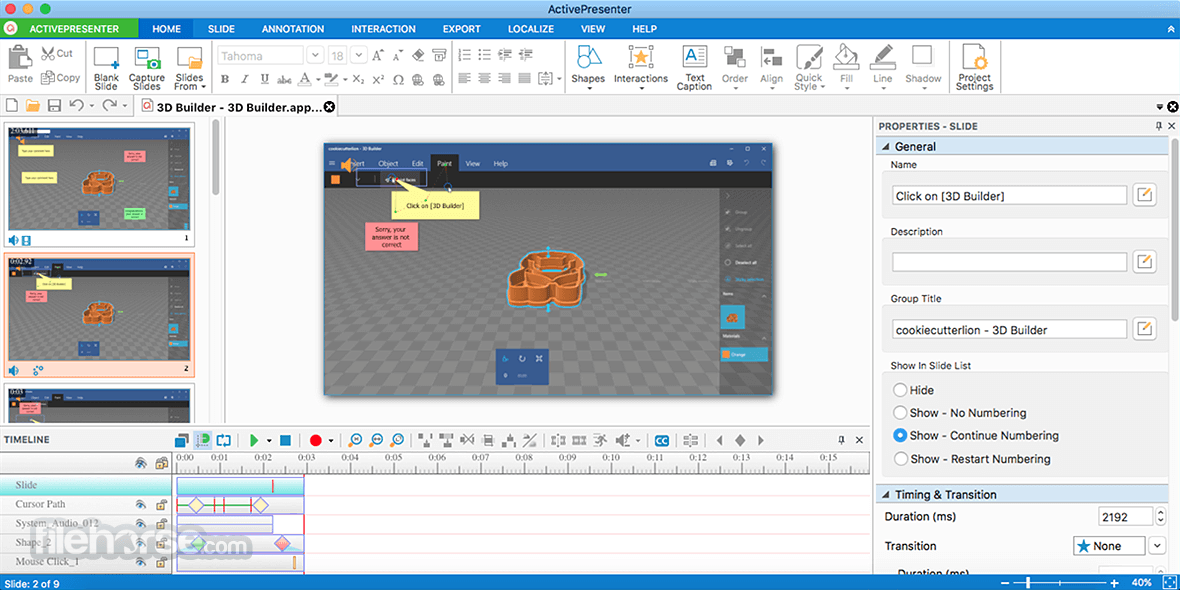
ActivePresenter 10.5.0 Screenshots
The images below have been resized. Click on them to view the screenshots in full size.
What's new in this version:
New Features:
- AI Assistant helps users create, edit, translate, and manage projects using natural-language requests
- MCP Connect lets trusted AI agents connect to ActivePresenter and help inspect or edit projects
- Python Automation API and Script Runner automate project authoring and editing
- Tracing interactions and Tracing questions for handwriting practice, drawing activities, and path-based exercises
- Closed captions support spoken word highlighting, preset styles, flexible positioning, and join/split editing
- Animation Painter copies animations from one object to other objects
- Scale Text with Object keeps text proportional when objects are resized
- Video export and screen recording can use FFmpeg installed on the user's computer
- Support for videos with multiple native audio streams, including separate preview, export, and editing controls
- Support for WebP images
- HTML5 output supports drawing tools
Enhancements:
- Improve closed caption editing, styling, translation, and property tabs
- Add an auto translation option when adding a new closed caption language
- Auto Captions can generate captions for multiple audio/video objects at once
- Closed captions can be imported and exported as WebVTT (.vtt) subtitle files
- Text animation controls are now available on the application toolbar
- Slides can be rearranged by drag and drop in Slides in Title view
- Object states can be edited more easily without entering Edit State mode
- Container and Selection pane workflows make it easier to move objects into and out of containers
- Animated Timer supports a new display format
- Improve the Start screen template layout
 OperaOpera 134.0 Build 5954.56
 PhotoshopAdobe Photoshop CC 2026 27.9.1
 OKXOKX - Buy Bitcoin or Ethereum
 WPS OfficeWPS Office
 Adobe AcrobatAdobe Acrobat Pro 2026.001.21789
 CleamioCleamio 3.4.0
 MalwarebytesMalwarebytes 5.25.2
 TradingViewTradingView - Track All Markets
 CleanMyMacCleanMyMac X 5.2.10
 AdGuard VPNAdGuard VPN for Mac 2.9.0
Comments and User Reviews