




 Brave
Brave Chrome
 Opera GX
 Firefox
 Multilogin
 Comet
Comet ChatGPT Atlas
-
Latest Version
SeaMonkey 2.53.24 LATEST
-
Review by
-
Operating System
Mac OS X 10.9 or later
-
User Rating
Click to vote -
Author / Product
-
Filename
seamonkey-2.53.24.en-US.mac.dmg
-
MD5 Checksum
ac38c3fdde06ec1bb5a963f9f377a258
Features and Highlights
Sync allows you to keep your browsing history, passwords, bookmarks, preferences and tabs in sync across different devices (computers) in a secure way.
Tabbed browsing gives you a better way to surf the net. You no longer have to open one page at a time. With tabbed browsing, open several pages at once with one click. Plus, your homepage can be multiple pages, in tabs.
Session restore brings back all your open windows and tabs after the rare occasion that SeaMonkey crashes—and if you wish even when you close and reopen the web browser or restart your computer.
Add-ons Management provides almost infinite possibilities to extend your Internet experience both through installing additional functionality created by others and even freely developing your own extensions and providing them to the rest of the app community.
Feed detection notifies you when web pages offer RSS or Atom feeds, and feed preview lets you view their contents and choose a reader with which to subscribe to those - including an internal reader in the Mail & Newsgroups component of the tool.
Tabbed Mail lets you manage your mail and folders in parallel, without losing control of where you're at when reading, replying to and working with messages in more complex patterns.
Junk mail controls help you take back control of your e-mail from spammers. The app's adaptive junk mail control gets smarter with use and is personalized to the e-mail that you receive.
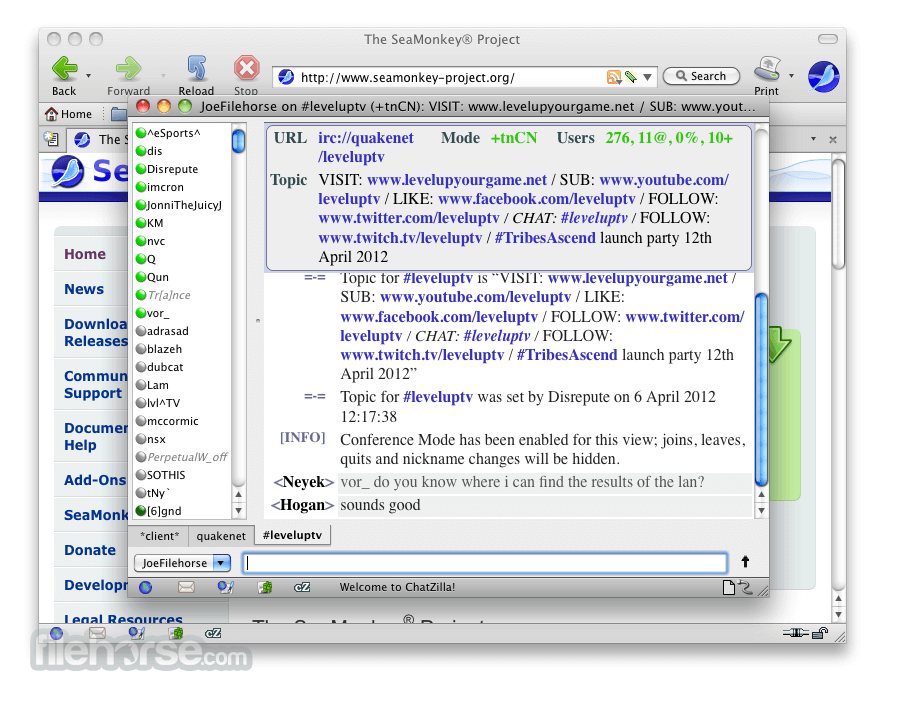
Chat on IRC networks with this simple yet powerful IRC client. Multiple networks and channels are easy to keep track of in a familiar tabbed interface.
DOM Inspector enables you to dig into the document structure of web pages, add-ons or even the SeaMonkey "chrome" itself and inspect a huge number of properties of any element in that structure, including JavaScript objects and CSS styles.
JavaScript Debugger ("Venkman") lets you debug JavaScript code on your websites, add-ons and even in Sea Monkey for Mac itself with a suite of powerful debugging tools.
Alternatives
Opera: Feature-rich browser offering a built-in ad blocker, VPN, and unique tools for faster browsing.
Chrome: The fast, free browser that`s built for the modern web
Firefox: Fast and customizable browser with a strong focus on privacy and security.
Safari: It is the default browser on macOS and iOS devices.
Edge: A modern and efficient browser with excellent compatibility and integrated Microsoft services.
Brave: Privacy-focused browser that blocks ads and trackers by default, ensuring a faster and more secure browsing experience.
PROS
- Lightweight and Fast Performance
- Built-in Email & IRC Chat
- Customizable with Add-ons
- Integrated Web Development Tools
- Low System Resource Usage
- Outdated User Interface
- Limited Modern Extension Support
- Website Compatibility Issues
- Small Developer Community
-
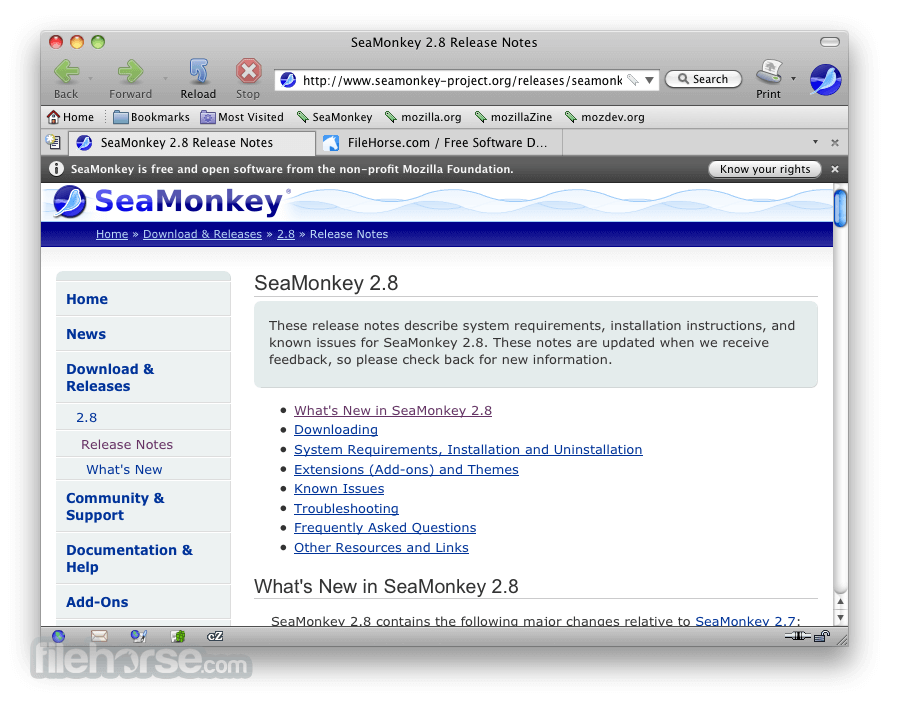
SeaMonkey 2.53.24 Screenshots
The images below have been resized. Click on them to view the screenshots in full size.
-

-

-

-
What's new in this version:
- Remove unused method readRDFString
- Cancel Filter edit dialog closes the whole Message Filter dialog too
- Put home button in the SeaMonkey main toolbar
- Calendar "Edit Recurrence"/Weekly doesn't show days
- Fix typo in addon-sdk util.js
- Create README template to use in releases
- Remove use of globalOverlay.xul in DOM Inspector
 OperaOpera 133.0 Build 5932.85
 PhotoshopAdobe Photoshop CC 2026 27.8
 OKXOKX - Buy Bitcoin or Ethereum
 WPS OfficeWPS Office
 Adobe AcrobatAdobe Acrobat Pro 2026.001.21691
 CleamioCleamio 3.4.0
 MalwarebytesMalwarebytes 5.24.0
 TradingViewTradingView - Track All Markets
 CleanMyMacCleanMyMac X 5.2.10
 AdGuard VPNAdGuard VPN for Mac 2.9.0
Comments and User Reviews