



 Flip Clock
 DVDFab
 Logi Options+
 HomeDock OS
 Command-Tab
 DVD-Cloner
 DVD Burner
 DAEMON
-
Latest Version
Bartender 6.6.2 LATEST
-
Review by
-
Operating System
macOS 26.0 Tahoe or later
-
User Rating
Click to vote -
Author / Product
-
Filename
Bartender 6.dmg
-
MD5 Checksum
c484667d3aa8b3731ff6d13e912b91b2
There are many ways to configure Bartender for macOS as you wish. Give it a go and find out!
Features and Highlights
macOS Mojave Ready
It fully supports macOS Sierra, High Sierra and Mojave.
Updated UI for modern macOS
The Bartender Bar now displays in the menu bar, making it look like part of macOS.
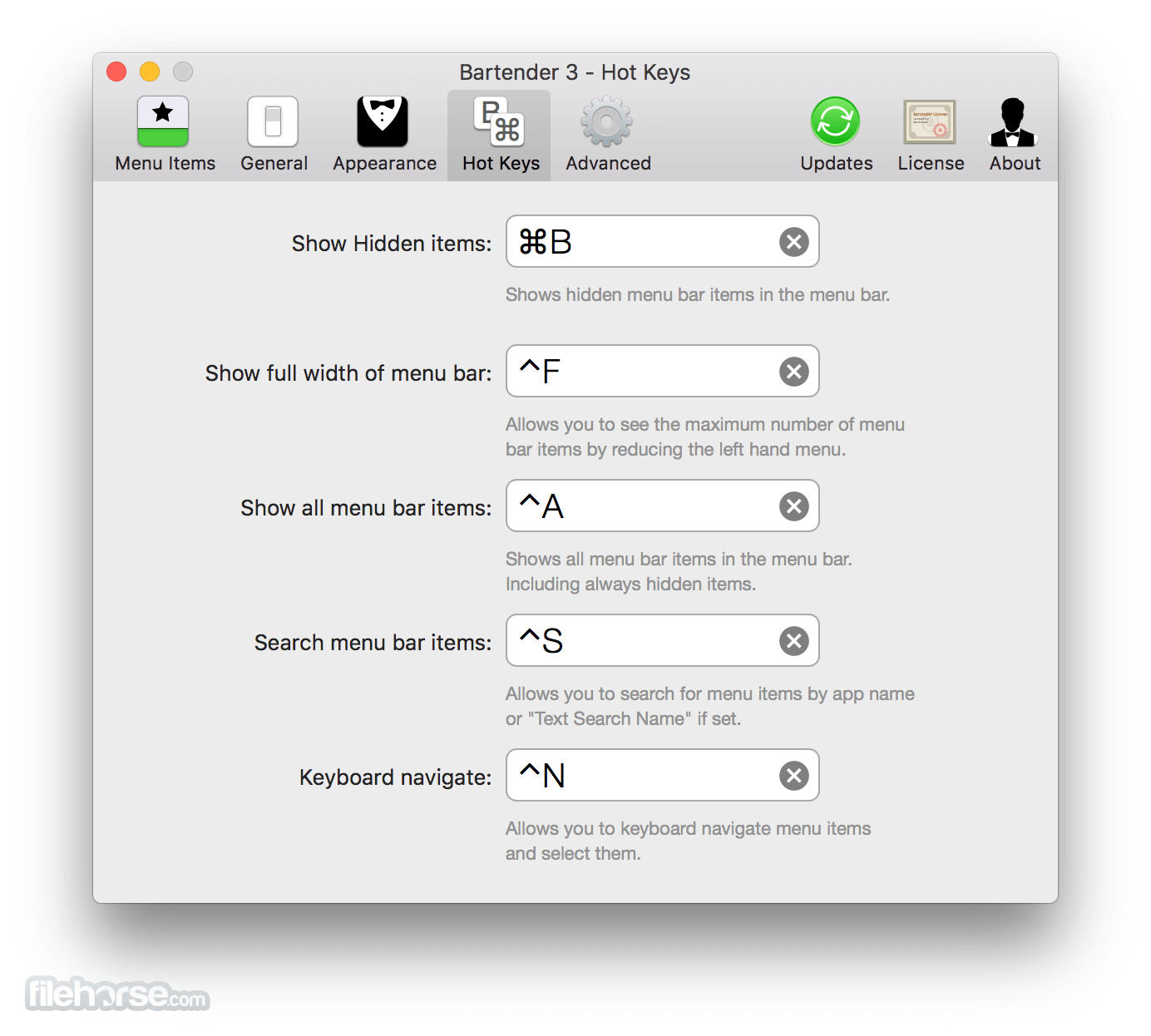
Keyboard navigate menu items
With the program you can keyboard navigate menu items simply use the hotkey to activate then arrow through them and press return to select.
Search all menu items
You can now search all menu items, allowing you quick access to a menu item without looking for it. Simply use the hotkey to activate or control click the app menu item and start typing.
Completely rewritten for modern macOS
It has been rewritten for modern macOS. Using the latest technologies and best practices the tool is more reliable, capable and lays the foundation for future innovations.
Take control of your menu bar icons
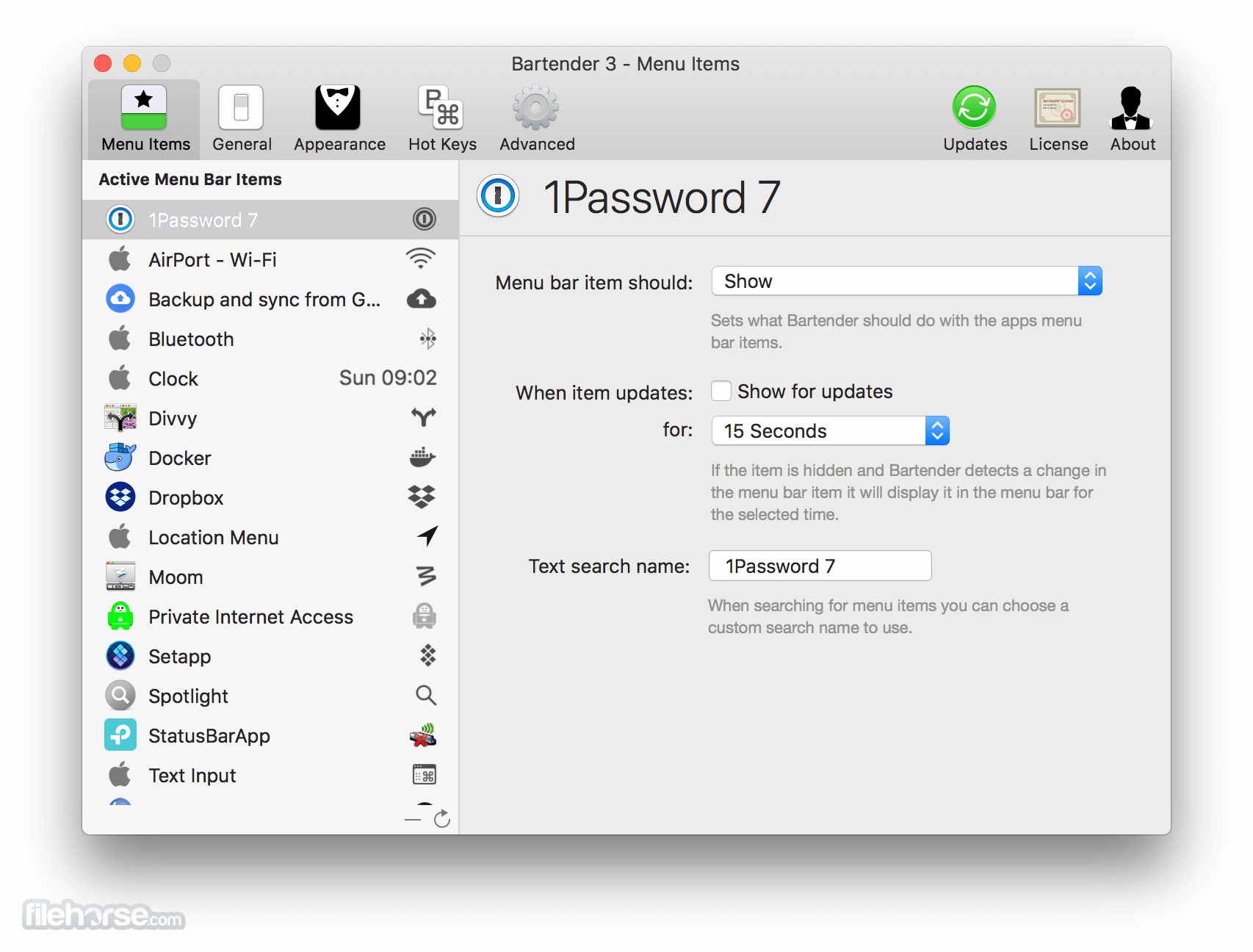
With the app you can choose which apps stay in the menu bar, are displayed in the Bartender Bar or are hidden completely.
Hidden menu bar icons
Hidden items can be shown whenever you want, by clicking on the Icon or via a hot key.
Show menu bar icons in the menu bar when they update
Set up apps to display their menu bar icons in the menu bar for a period of time when they update. Allowing you to see whats happening, or take important action.
Autohide
It can automatically hide menu bar icons again when you click on another app
Works with Dark mode
It works great in light or dark mode
Keyboard Navigate your menu bar icons
Keyboard navigate menu icons; simply use the hotkey to activate then arrow through them and press return to select.
Search menu bar icons
You can search all menu icons, allowing you quick access to menu icons without looking for it. Simply use the hotkey or control click the Bar tender menu icon to activate search and start typing.
Order your menu bar icons
With the app, you can set the order of the menu bar items, both in the menu bar and the hidden items, simply by ⌘+dragging the items. So your menu bar items are always in the order you want.
Minimalism
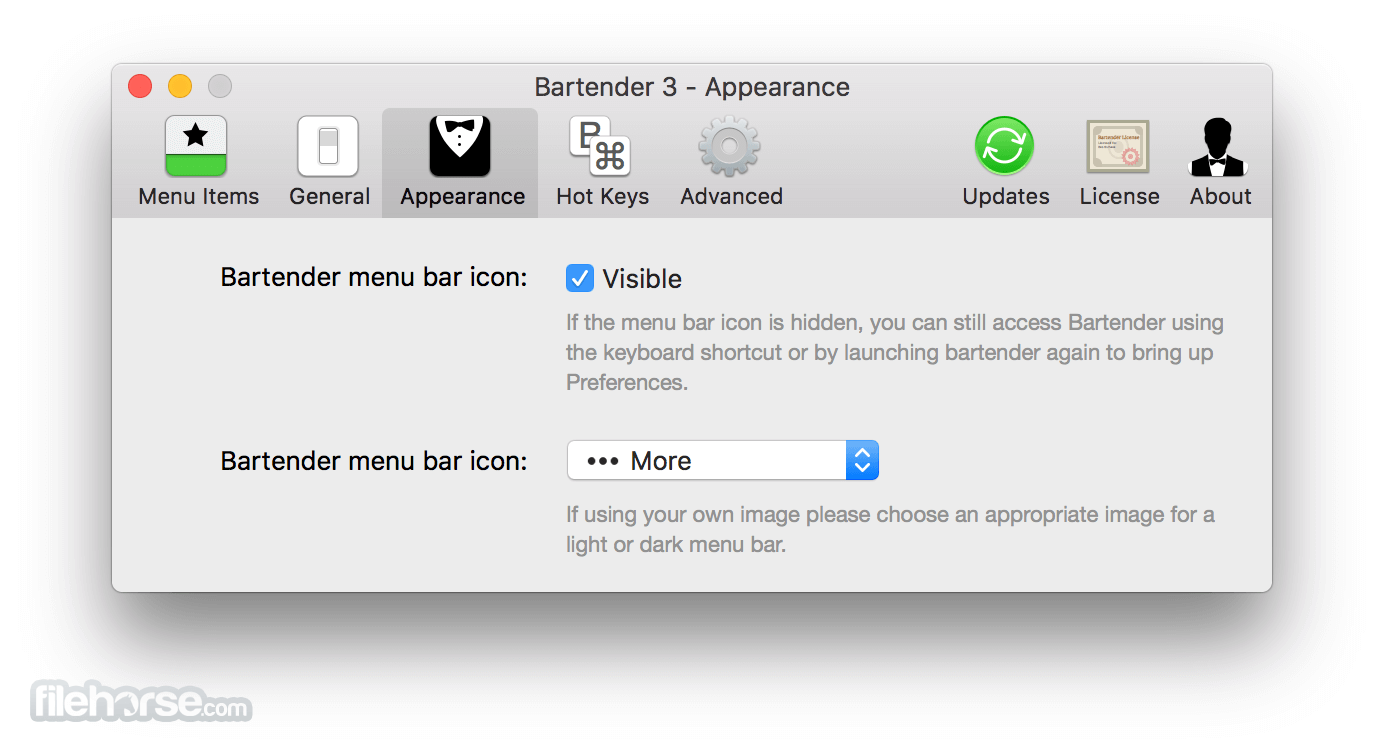
If you want a really clean look and privacy, It can also be hidden.
How to Use
Install the app by dragging it to Applications
Grant necessary permissions in System Settings
Open Bartender and configure your preferences
Organize menu bar items using drag-and-drop
Use keyboard shortcuts to access hidden icons
Enable or disable menu bar items as needed
Set up triggers and automation options
Access Bartender settings via the menu icon
Keep the app updated for best performance
System Requirements
- macOS 13 Ventura or later
- Apple Silicon or Intel Mac
- At least 50MB of free disk space
- Accessibility permissions enabled
- Internet connection for activation and updates
- Clean and organized menu bar
- Highly customizable settings
- Keyboard shortcut support
- Efficient space management
- Lightweight and fast performance
- Limited free trial period
- No Windows version available
- May require setup time
- Occasional icon refresh lag
- Some updates break functionality
-
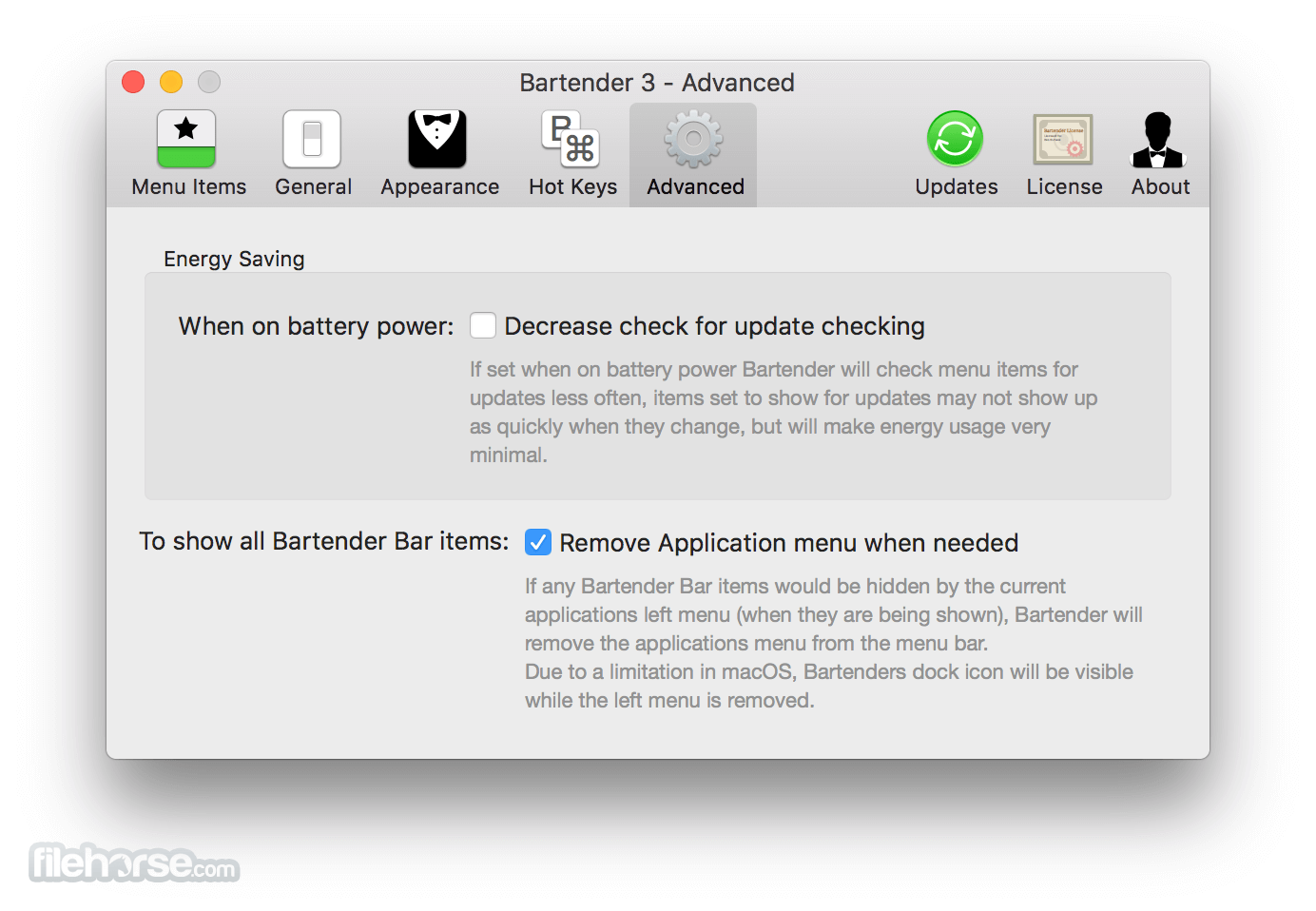
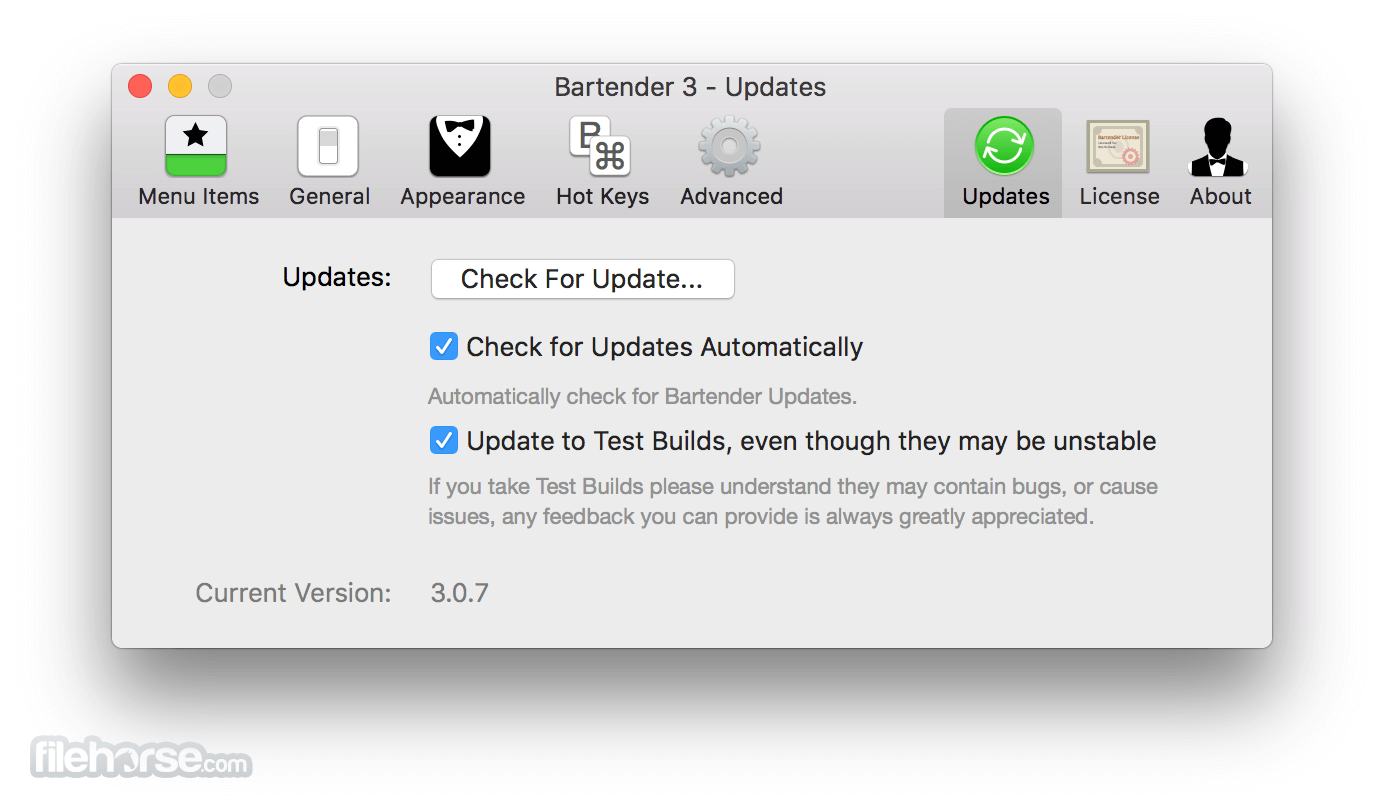
Bartender 6.6.2 Screenshots
The images below have been resized. Click on them to view the screenshots in full size.
-
-
-
-
What's new in this version:
Fixed:
- Memory usage should no longer creep up over longer sessions for users with triggers enabled
- Triggers should "update" more reliably
- Leaving open the layout page will no longer cause memory usage to stay high after editing your bar
- The layout page should no longer see "disappearing icons" when moving things around, or after leaving the app open for a while
- CPU usage should be lower in general, but in particular when using live mode
- In live mode, the menu bar should "settle" faster, and perform far fewer operations to get your bar into the correct order
- Battery usage should be reduced overall, but enabling the "lower power usage on battery" setting will lower this further, at the cost of some live updates being delayed. Generally this delay shouldn't be noticeable unless you're updating your menu bar constantly.
- Fixes an issue with Bartender Bar showing your items when clicking an item already in the bar
 OperaOpera 134.0 Build 5954.56
 PhotoshopAdobe Photoshop CC 2026 27.9.1
 OKXOKX - Buy Bitcoin or Ethereum
 WPS OfficeWPS Office
 Adobe AcrobatAdobe Acrobat Pro 2026.001.21789
 CleamioCleamio 3.4.0
 MalwarebytesMalwarebytes 5.25.2
 TradingViewTradingView - Track All Markets
 CleanMyMacCleanMyMac X 5.2.10
 AdGuard VPNAdGuard VPN for Mac 2.9.0
Comments and User Reviews