




 Command-Tab
 DAEMON
 Logi Options+
 Flip Clock
 DVDFab
 DVD Burner
 DVD-Cloner
 HomeDock OS
-
Latest Version
-
Operating System
Mac OS X 10.11 or later
-
User Rating
Click to vote -
Author / Product
-
Filename
keyboardmaestro-1104.zip
Sometimes latest versions of the software can cause issues when installed on older devices or devices running an older version of the operating system.
Software makers usually fix these issues but it can take them some time. What you can do in the meantime is to download and install an older version of Keyboard Maestro 11.0.4.
For those interested in downloading the most recent release of Keyboard Maestro for Mac or reading our review, simply click here.
All old versions distributed on our website are completely virus-free and available for download at no cost.
We would love to hear from you
If you have any questions or ideas that you want to share with us - head over to our Contact page and let us know. We value your feedback!
-
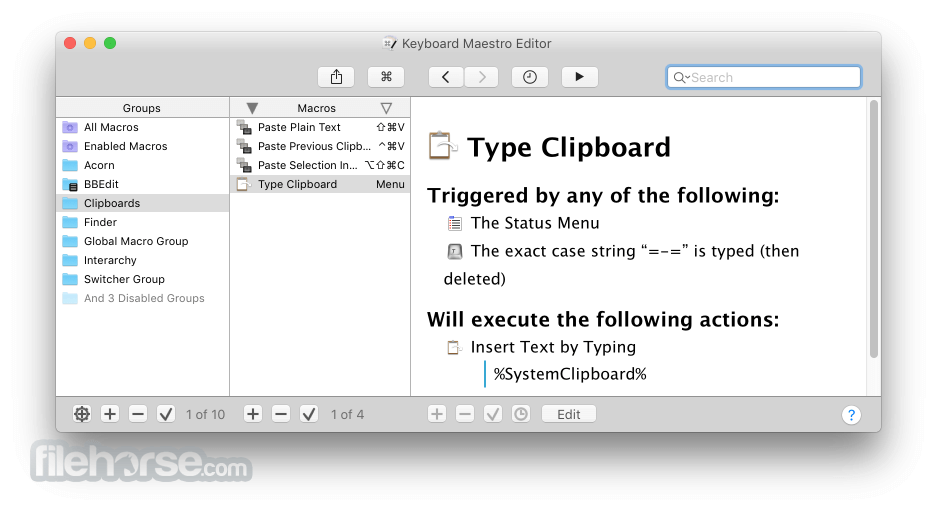
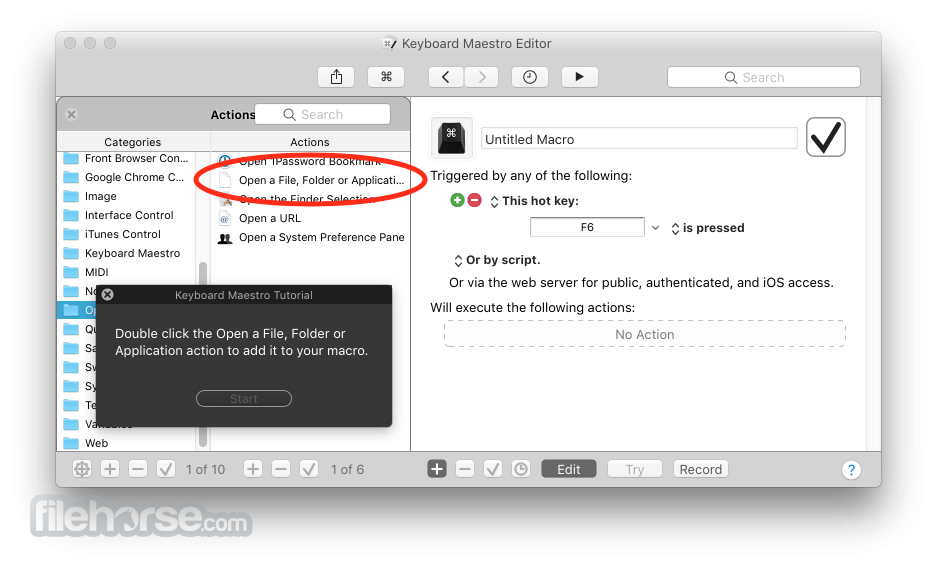
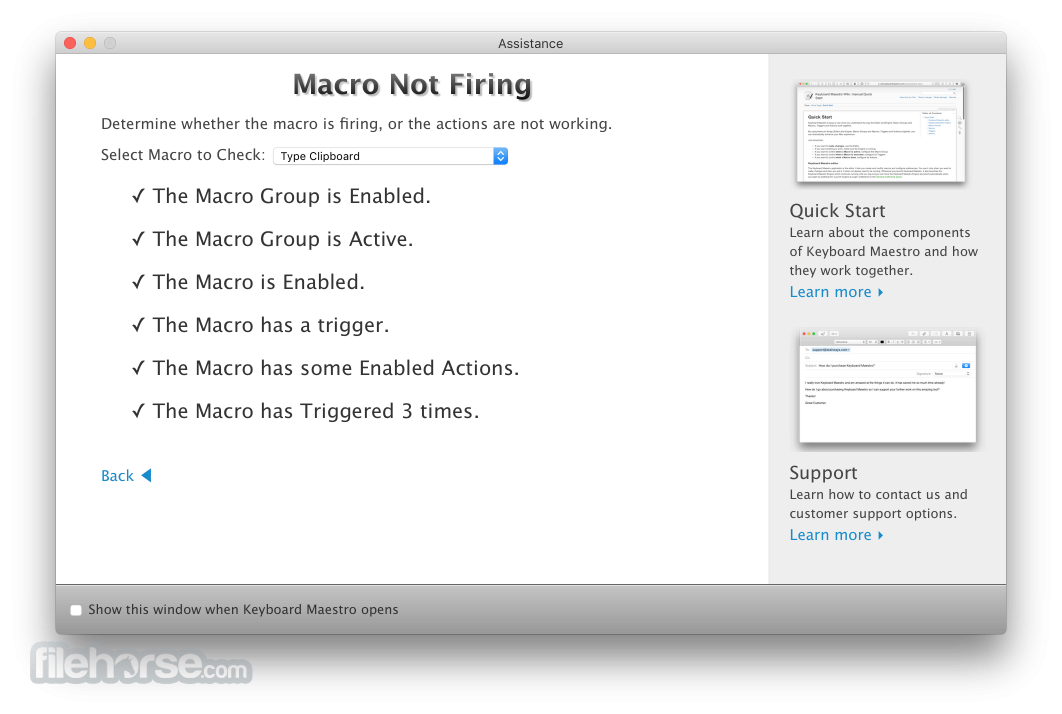
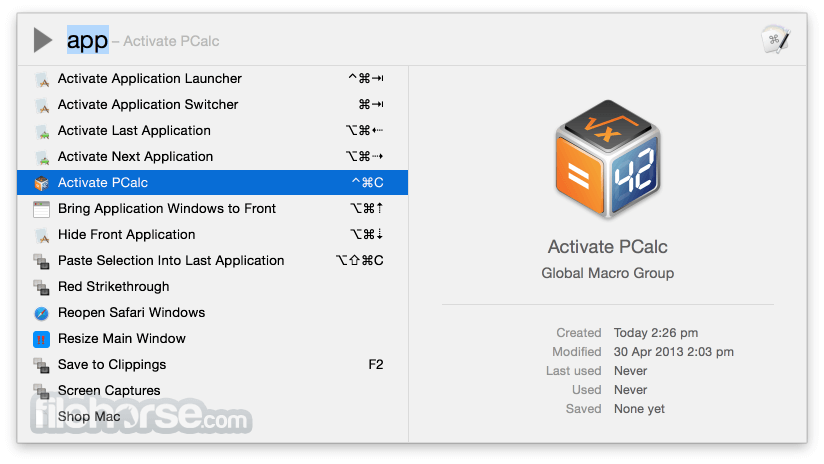
Keyboard Maestro 11.0.4 Screenshots
The images below have been resized. Click on them to view the screenshots in full size.
-
-
-
-
What's new in this version:
- Added display to Switch/Case actions to indicate which entries are true/would execute currently
- Adjusted Set Variable to Calculation format to be a token text filed
- Show Macro Group name when multiple macros from the same group are displayed in the Macro Inspector
- Support Apple Text Recognition in OCR condition
- Default to Apple Text Recognition in OCR oaction/conditionsin 10.15+
- Added Tool Tips for Macro Debugger window
- Ensure all export default names are consistent
- Added com.microsoft.ShadowWorkbook to clipboard flavor exclusion list
- Removed animation of some lists because of performance issues in modern macOS
- Re-enable exists condition for Environment Variable condition
- Added warning if you use document.kmvar in a script when in modern syntax
- Allow Environment Variable values as script input
- Added display name for Menu/Application key
- Return true for has image condition when the clipboard contains an image reference
- Display Mouse lock time now honours hidden preference
Fixed:
- Fixed Macro Library Clipboard Filter Rotate 180° to actually Rotate 180°
- Fixed an issue with OCR, Found Image and Script conditions not being searchable
- Fixed an issue with Subroutine trigger not being searchable
- Fixed a possible bug in Engine Window details
- Fixed an issue with Filter HTML List
- Fixed an issue with search highlighting triggers
- Fixed an issue with some icon displays in Sonoma and later
- Fixed an issue with the Prompt With List action not being canceled in all cases when Cancel All Macros is used
- Fixed an issue with the Typed String condition
- Fixed incorrect trigger value for USB Device Key Control keys
- Fixed Select Macros Column menu item not being disabled when the column is selected
 OperaOpera 134.0 Build 5954.46
 PhotoshopAdobe Photoshop CC 2026 27.9.1
 OKXOKX - Buy Bitcoin or Ethereum
 WPS OfficeWPS Office
 Adobe AcrobatAdobe Acrobat Pro 2026.001.21771
 CleamioCleamio 3.4.0
 MalwarebytesMalwarebytes 5.25.2
 TradingViewTradingView - Track All Markets
 CleanMyMacCleanMyMac X 5.2.10
 AdGuard VPNAdGuard VPN for Mac 2.9.0
Comments and User Reviews