




 FileZilla
 Commander
 NTFS for Mac
 Paragon ExtFS
 EaseUS Video
 AirRadar
 StreamFab
 CloudMounter
-
Latest Version
-
Operating System
macOS 12.0 Monterey or later
-
User Rating
Click to vote -
Author / Product
-
Filename
ForkLift4.6.1.zip
Sometimes latest versions of the software can cause issues when installed on older devices or devices running an older version of the operating system.
Software makers usually fix these issues but it can take them some time. What you can do in the meantime is to download and install an older version of ForkLift 4.6.1.
For those interested in downloading the most recent release of ForkLift for Mac or reading our review, simply click here.
All old versions distributed on our website are completely virus-free and available for download at no cost.
We would love to hear from you
If you have any questions or ideas that you want to share with us - head over to our Contact page and let us know. We value your feedback!
-
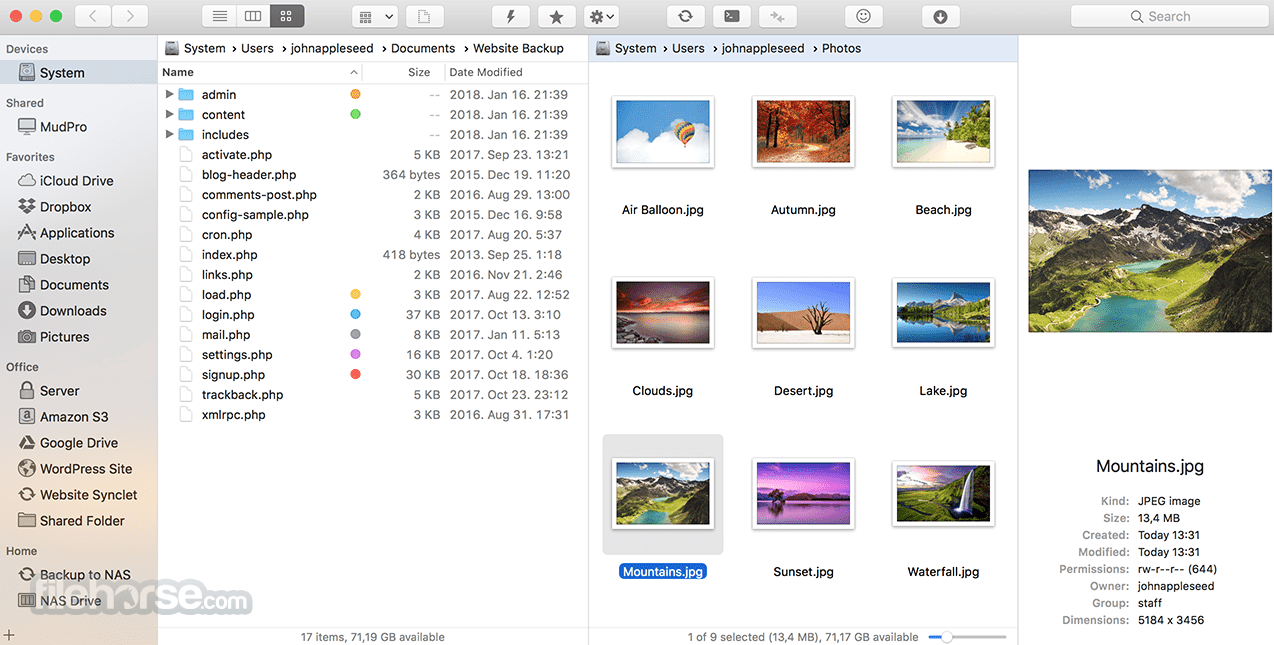
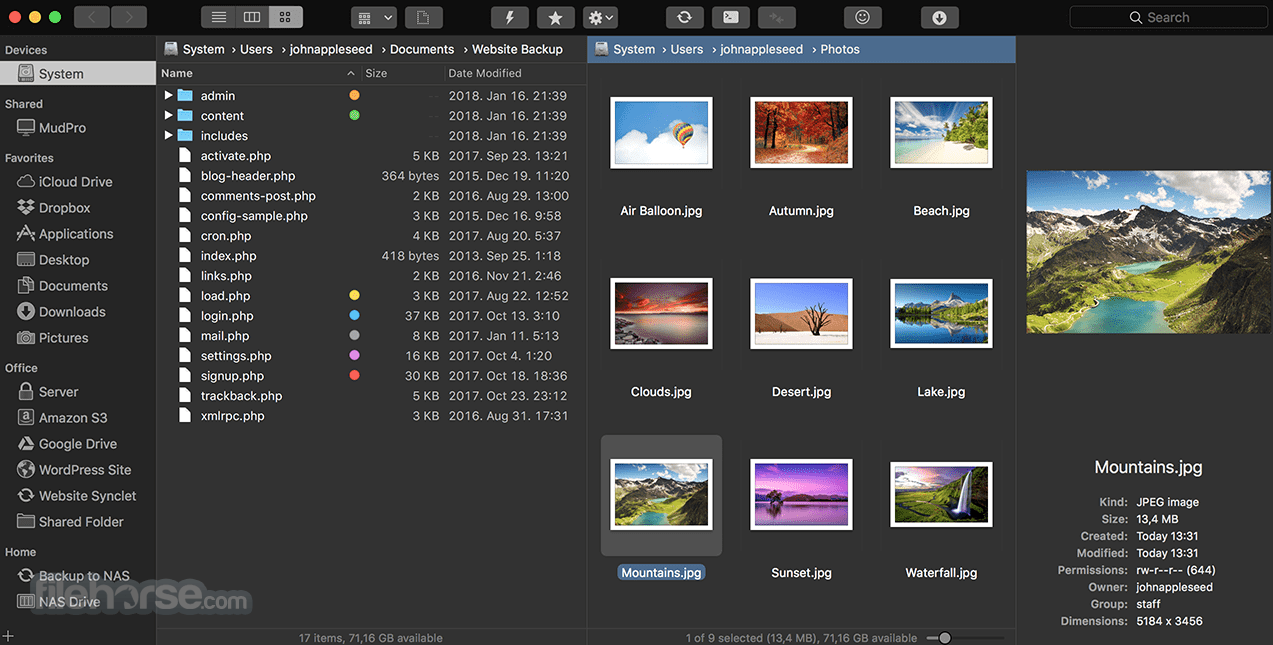
ForkLift 4.6.1 Screenshots
The images below have been resized. Click on them to view the screenshots in full size.
-
-

-

-

What's new in this version:
New:
- ForkLift now colorizes folder icons on macOS Tahoe the same way as Finder, inheriting and applying the assigned colors
- ForkLift displays customized folder icons set in Finder, however, customizing folder icons directly in ForkLift is not supported
Improved:
- Improves the display of aggregated date information in the Preview pane when multiple files are selected
- Adds an alert when iCloud Drive is busy and interaction is not possible, to clarify why an action cannot be executed
- Adds an option to edit file favorites from the context menu in the Sidebar
- Improves memory usage
Fixed:
- Fixes an issue that made the file view jump in List View after renaming or deleting files when Group by was enabled
- Fixes multiple possible memory leaks
- Fixes an issue that didn't show the lock icon on locked folders when icon preview is enabled (the lock icon doesn't show up on files starting from this version)
- Fixes an issue in the Status bar, which didn't update the displayed info correctly after folders were expanded and collapsed
- Fixes an issue of the preview of PDF file in the Preview Pane introduced in version 4.3.5, which made it impossible to select text inside the preview and to use the right-click context menu to customize the preview options. This version restores the previous functionality
- Fixes an issue that made it impossible to remove the last tag on iCloud Drive when there was only one tag remaining
- Fixes an issue where pressing the Tab key while autocompleting a tag made the tag disappear
 OperaOpera 134.0 Build 5954.46
 PhotoshopAdobe Photoshop CC 2026 27.9.1
 OKXOKX - Buy Bitcoin or Ethereum
 WPS OfficeWPS Office
 Adobe AcrobatAdobe Acrobat Pro 2026.001.21771
 CleamioCleamio 3.4.0
 MalwarebytesMalwarebytes 5.25.2
 TradingViewTradingView - Track All Markets
 CleanMyMacCleanMyMac X 5.2.10
 AdGuard VPNAdGuard VPN for Mac 2.9.0
Comments and User Reviews