




 Paragon ExtFS
 AirRadar
 NTFS for Mac
 FileZilla
 EaseUS Video
 Commander
 CloudMounter
 StreamFab
-
Latest Version
-
Operating System
macOS 12.0 Monterey or later
-
User Rating
Click to vote -
Author / Product
-
Filename
ForkLift4.6.zip
Sometimes latest versions of the software can cause issues when installed on older devices or devices running an older version of the operating system.
Software makers usually fix these issues but it can take them some time. What you can do in the meantime is to download and install an older version of ForkLift 4.6.
For those interested in downloading the most recent release of ForkLift for Mac or reading our review, simply click here.
All old versions distributed on our website are completely virus-free and available for download at no cost.
We would love to hear from you
If you have any questions or ideas that you want to share with us - head over to our Contact page and let us know. We value your feedback!
-
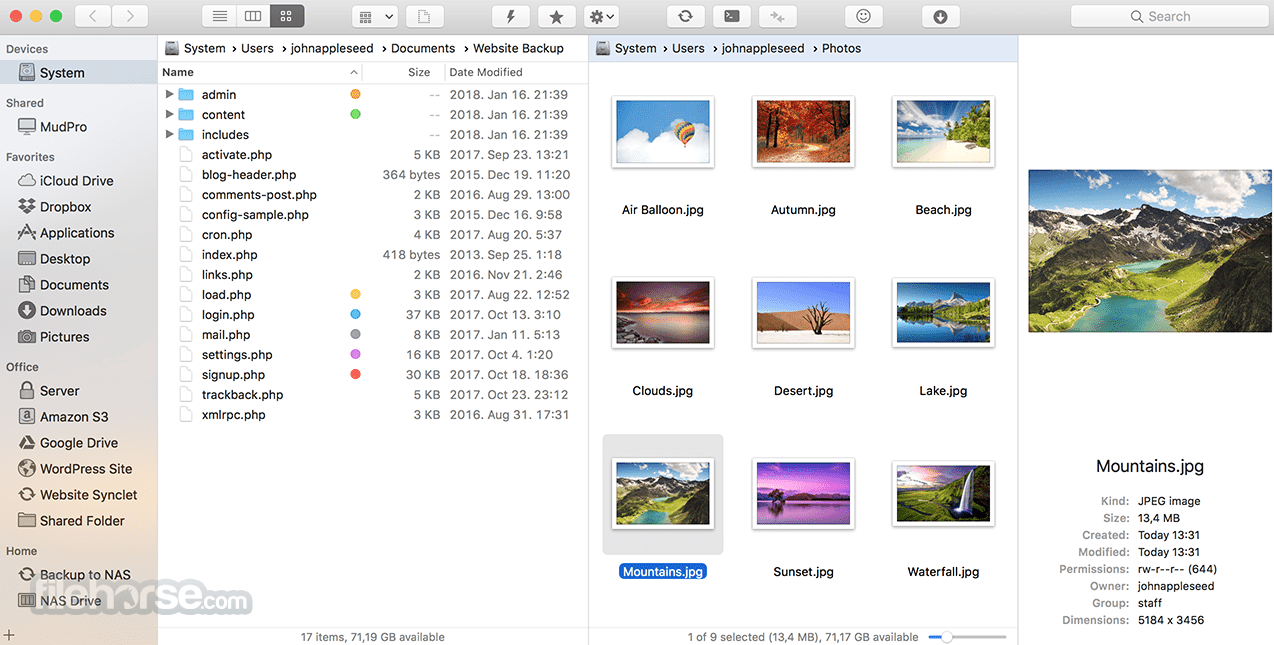
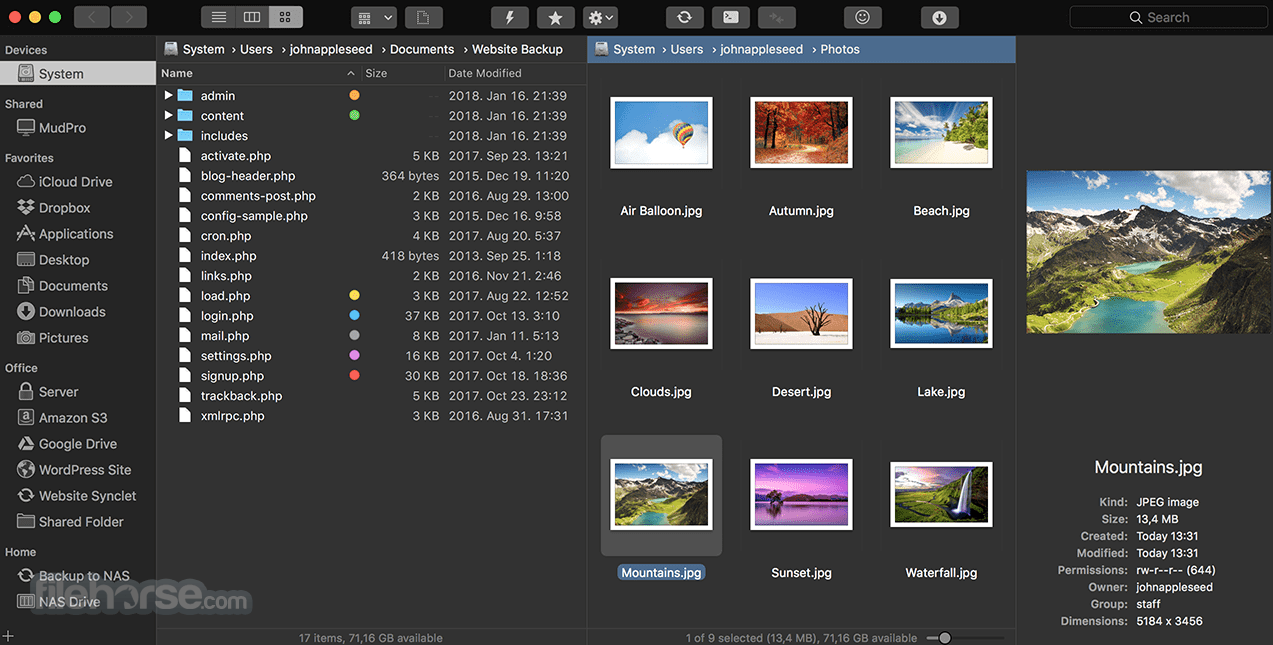
ForkLift 4.6 Screenshots
The images below have been resized. Click on them to view the screenshots in full size.
-
-

-

-

What's new in this version:
New:
- Tags autocompletion feature in the Preview Pane and Info Window based on the list of tags added under ForkLift > Settings > Tags
- Option to assign a tag to a file by dropping a file onto a tag in the sidebar
- Option to add custom tools created under ForkLift > Settings > Tools to the toolbar
- Option to hide and display tags in the sidebar under ForkLift > Settings > Tags through the right-click context menu
Improved:
- Improved expandable Tags field in the Preview Pane, now able to display all tags
- Option to exit the Tags field using the Esc key
- Option to select multiple tools in the Tools section of Settings
Fixed:
- Fixes an issue that indicated it was possible to add remote files as favorites to the sidebar by drag and drop
- Fixes an issue in Column View where, after disconnecting from a remote location, the location did not change back to the starting directory
- Fixes an issue on macOS Tahoe where hitting Esc in the tool editor while adding a new item did not cancel the operation and instead added the new item
 OperaOpera 134.0 Build 5954.46
 PhotoshopAdobe Photoshop CC 2026 27.9.1
 OKXOKX - Buy Bitcoin or Ethereum
 WPS OfficeWPS Office
 Adobe AcrobatAdobe Acrobat Pro 2026.001.21771
 CleamioCleamio 3.4.0
 MalwarebytesMalwarebytes 5.25.2
 TradingViewTradingView - Track All Markets
 CleanMyMacCleanMyMac X 5.2.10
 AdGuard VPNAdGuard VPN for Mac 2.9.0
Comments and User Reviews