




 Swift
Swift PDFelement
 Tungsten PDF
 Adobe Sign
 Trade Ideas
-
Latest Version
LibreOffice 26.2.4 LATEST
-
Review by
-
Operating System
macOS 11.0 Big Sur or later
-
User Rating
Click to vote -
Author / Product
-
Filename
LibreOffice_26.2.4_MacOS_x86-64.dmg
-
MD5 Checksum
a25dcbf5cc9b1a03f811ab18b0b9a084
LibreOffice for Mac is a powerful office suite; its clean interface and powerful tools let you unleash your creativity and grow your productivity.
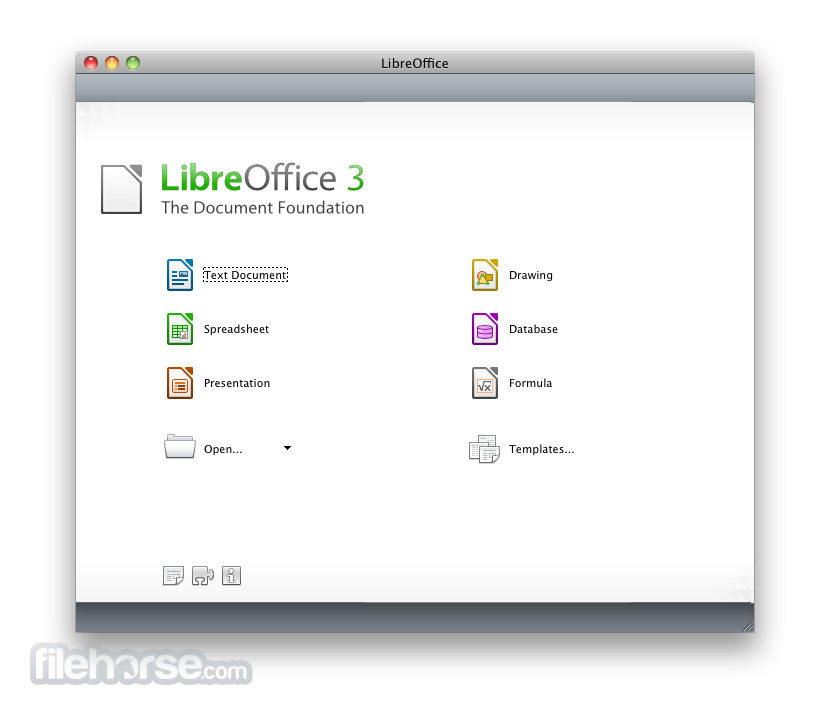
LibreOffice embeds several applications that make it the most powerful Free & Open Source Office suite on the market: Writer, the word processor, Calc, the spreadsheet application, Impress, the presentation engine, Draw, drawing and flowcharting application, Base, database and database frontend, and Math for editing mathematics.
Your documents will look professional and clean, regardless of their purpose: a letter, a master thesis, a brochure, financial reports, marketing presentations, technical drawings and diagrams. Download, Install or Update Libre Office for Mac!
LibreOffice for macOS is compatible with many document formats such as Microsoft® Word, Excel, PowerPoint and Publisher.
But the app goes further by enabling you to use a modern open standard, the OpenDocument Format (ODF). Beyond the many features shipped by default, the tool is easily extensible through its powerful extensions mechanisms.
What`s New
Writer is the word processor inside the app. Use it for everything, from dashing off a quick letter to producing an entire book with tables of contents, embedded illustrations, bibliographies and diagrams. The while-you-type auto-completion, auto-formatting and automatic spelling checking make difficult tasks easy (but are easy to disable if you prefer).
Calc tames your numbers and helps with difficult decisions when you're weighing the alternatives. Analyze your data with Calc and then use it to present your final output. Charts and analysis tools help bring transparency to your conclusions. A fully-integrated help system makes easier work of entering complex formulas. Add data from external databases such as SQL or Oracle, then sort and filter them to produce statistical analyses.
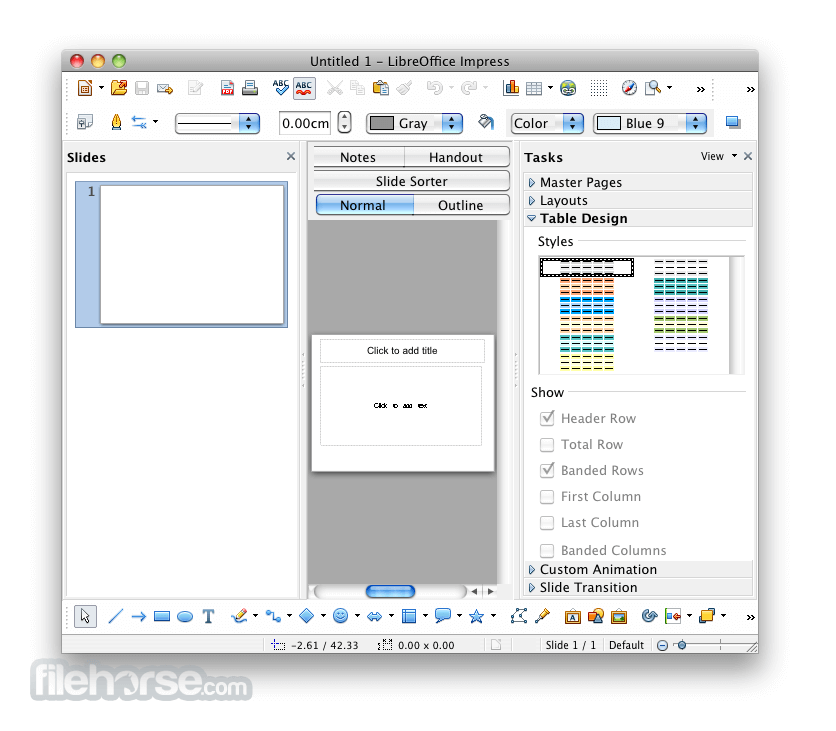
Impress is the fastest and easiest way to create effective multimedia presentations. Stunning animation and sensational special effects help you convince your audience. Create presentations that look even more professional than the standard presentations you commonly see at work. Get your colleagues' and bosses' attention by creating something a little bit different.
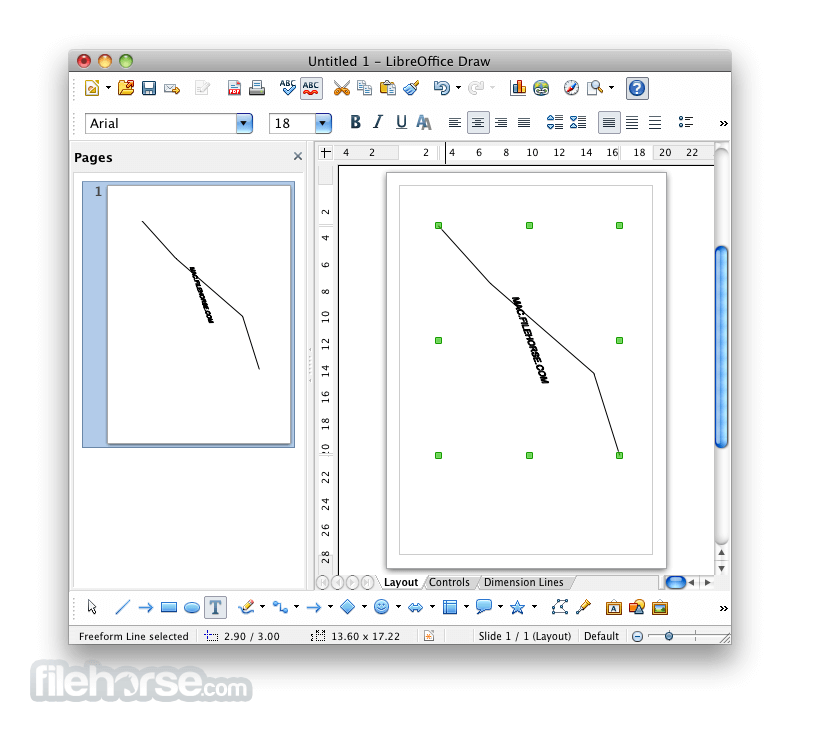
Draw lets you build diagrams and sketches from scratch. A picture is worth a thousand words, so why not try something simple with box and line diagrams? Or else go further and easily build dynamic 3D illustrations and special effects. It's as simple or as powerful as you want it to be.
Base is the database front-end of the suite. With Base, you can seamlessly integrate your existing database structures into the other components of Libre Office, or create an interface to use and administer your data as a stand-alone application. You can use imported and linked tables and queries from MySQL, PostgreSQL or Microsoft Access and many other data sources, or design your own with Base.
Math is a simple equation editor that lets you lay-out and display your mathematical, chemical, electrical or scientific equations quickly in standard written notation. Even the most-complex calculations can be understandable when displayed correctly. E=mc2.
Pricing
This program is entirely FREE. It is open-source software, which means there are no hidden costs, license renewals, or advertisements.
You can download, install, and use it for as long as you like.
Users and organizations who benefit from LibreOffice are encouraged to contribute to its development, either through donations or code contributions.
How to Use
macOS 10.15 (Catalina) or later
Intel or Apple Silicon processor
512 MB RAM (2 GB recommended)
800 MB free disk space
1024x768 screen resolution or higher
PROS
LibreOffice embeds several applications that make it the most powerful Free & Open Source Office suite on the market: Writer, the word processor, Calc, the spreadsheet application, Impress, the presentation engine, Draw, drawing and flowcharting application, Base, database and database frontend, and Math for editing mathematics.
Your documents will look professional and clean, regardless of their purpose: a letter, a master thesis, a brochure, financial reports, marketing presentations, technical drawings and diagrams. Download, Install or Update Libre Office for Mac!
LibreOffice for macOS is compatible with many document formats such as Microsoft® Word, Excel, PowerPoint and Publisher.
But the app goes further by enabling you to use a modern open standard, the OpenDocument Format (ODF). Beyond the many features shipped by default, the tool is easily extensible through its powerful extensions mechanisms.
What`s New
- Improved compatibility with Microsoft Office file formats (DOCX, XLSX, PPTX).
- Enhanced performance when opening large documents and spreadsheets.
- Refined user interface with updated icons and theme improvements.
- Writer updates with better comment handling and change tracking.
- Calc improvements including new functions and faster recalculation.
- Impress enhancements with smoother slide transitions and export options.
- Improved PDF export with added security and accessibility options.
- Stronger interoperability with modern OpenDocument (ODF) standards.
- Better spell-checking and language support updates.
- Bug fixes and stability improvements across all modules.
Writer is the word processor inside the app. Use it for everything, from dashing off a quick letter to producing an entire book with tables of contents, embedded illustrations, bibliographies and diagrams. The while-you-type auto-completion, auto-formatting and automatic spelling checking make difficult tasks easy (but are easy to disable if you prefer).
Calc tames your numbers and helps with difficult decisions when you're weighing the alternatives. Analyze your data with Calc and then use it to present your final output. Charts and analysis tools help bring transparency to your conclusions. A fully-integrated help system makes easier work of entering complex formulas. Add data from external databases such as SQL or Oracle, then sort and filter them to produce statistical analyses.
Impress is the fastest and easiest way to create effective multimedia presentations. Stunning animation and sensational special effects help you convince your audience. Create presentations that look even more professional than the standard presentations you commonly see at work. Get your colleagues' and bosses' attention by creating something a little bit different.
Draw lets you build diagrams and sketches from scratch. A picture is worth a thousand words, so why not try something simple with box and line diagrams? Or else go further and easily build dynamic 3D illustrations and special effects. It's as simple or as powerful as you want it to be.
Base is the database front-end of the suite. With Base, you can seamlessly integrate your existing database structures into the other components of Libre Office, or create an interface to use and administer your data as a stand-alone application. You can use imported and linked tables and queries from MySQL, PostgreSQL or Microsoft Access and many other data sources, or design your own with Base.
Math is a simple equation editor that lets you lay-out and display your mathematical, chemical, electrical or scientific equations quickly in standard written notation. Even the most-complex calculations can be understandable when displayed correctly. E=mc2.
Pricing
This program is entirely FREE. It is open-source software, which means there are no hidden costs, license renewals, or advertisements.
You can download, install, and use it for as long as you like.
Users and organizations who benefit from LibreOffice are encouraged to contribute to its development, either through donations or code contributions.
How to Use
- Open the .dmg file and drag LibreOffice to Applications
- Launch LibreOffice from the Applications folder
- Choose a module (Writer, Calc, Impress, etc.) to start
- Use the toolbar and menu for editing and formatting
- Save files in ODF or export to PDF and other formats
- Customize settings via LibreOffice > Preferences
- Install language packs if needed for spellcheck and UI
- Check for updates regularly via Help > Check for Updates
- Access help via built-in guide or LibreOffice online docs
macOS 10.15 (Catalina) or later
Intel or Apple Silicon processor
512 MB RAM (2 GB recommended)
800 MB free disk space
1024x768 screen resolution or higher
PROS
- Free and open-source alternative
- Supports many document formats
- Includes full office suite tools
- Offline access without subscriptions
- Frequent updates and improvements
- Less polished UI than MS Office
- Compatibility issues with DOCX
- Slower performance on large files
- Limited cloud integration features
Why is this app published on FileHorse? (More info)
-
LibreOffice 26.2.4 Screenshots
The images below have been resized. Click on them to view the screenshots in full size.
-

-

-
-
 OperaOpera 133.0 Build 5932.24
 PhotoshopAdobe Photoshop CC 2026 27.8
 OKXOKX - Buy Bitcoin or Ethereum
 WPS OfficeWPS Office
 Adobe AcrobatAdobe Acrobat Pro 2026.001.21691
 CleamioCleamio 3.4.0
 MalwarebytesMalwarebytes 5.24.0
 TradingViewTradingView - Track All Markets
 CleanMyMacCleanMyMac X 5.2.10
 AdGuard VPNAdGuard VPN for Mac 2.9.0
Comments and User Reviews