




 Tungsten PDF
 Swift
Swift PDFelement
 Trade Ideas
 Adobe Sign
-
Latest Version
-
Operating System
macOS 12.0 Monterey or later
-
User Rating
Click to vote -
Author / Product
-
Filename
Fantastical_4.1.15.zip
Sometimes latest versions of the software can cause issues when installed on older devices or devices running an older version of the operating system.
Software makers usually fix these issues but it can take them some time. What you can do in the meantime is to download and install an older version of Fantastical 4.1.15.
For those interested in downloading the most recent release of Fantastical for Mac or reading our review, simply click here.
All old versions distributed on our website are completely virus-free and available for download at no cost.
We would love to hear from you
If you have any questions or ideas that you want to share with us - head over to our Contact page and let us know. We value your feedback!
-
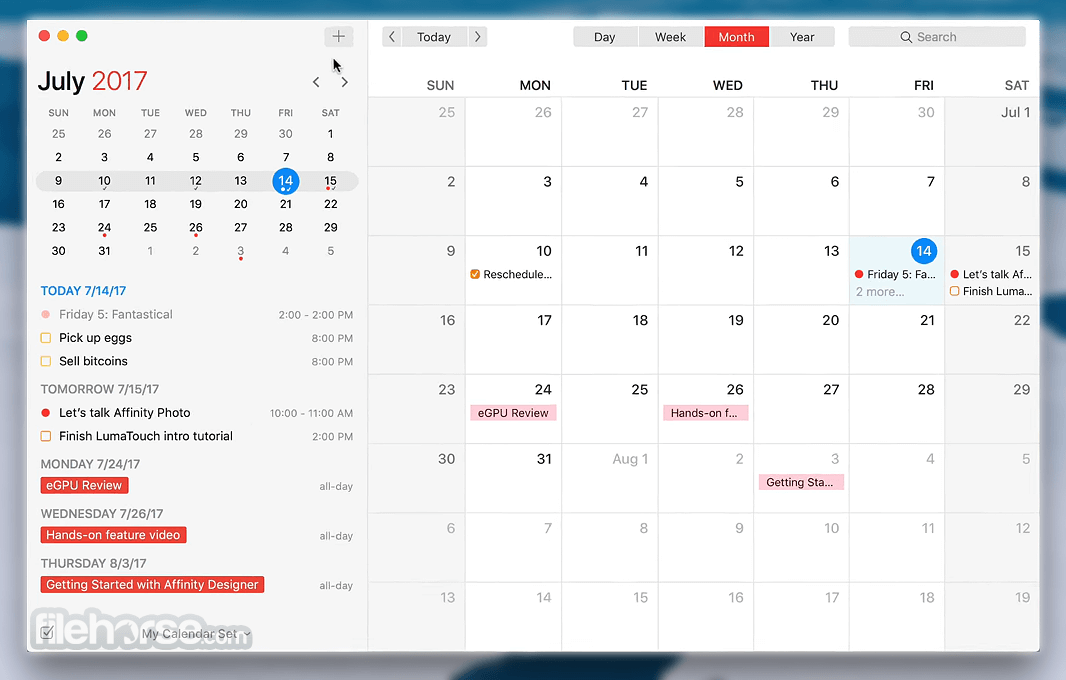
Fantastical 4.1.15 Screenshots
The images below have been resized. Click on them to view the screenshots in full size.
-

-

What's new in this version:
- Avoid meeting conflicts! Fantastical will automatically copy events from one calendar to another based on rules you define. Set up mirroring rules in Fantastical’s settings
- Meet With! Quickly check the schedules of other people in your organization, making it easier to decide when to meet with others
- Improved error messaging when importing an invalid ICS file
Fixed:
- an issue where Zoom meetings created with a UTC timezone could show up at the wrong time
- an issue where Microsoft 365 room search was case-sensitive
- an issue where opening a location from Fantastical would not use the right address in rare cases
- an issue where all day event titles would get clipped in the event list when using larger text sizes
- an issue preventing some emojis from being used for tagging events
- an issue where opening a subscription event would throw an incorrect error
- choppy pinch-and-zoom when changing the number of hours visible in Day and Week view
- Various fixes and improvements
 OperaOpera 134.0 Build 5954.56
 PhotoshopAdobe Photoshop CC 2026 27.9.1
 OKXOKX - Buy Bitcoin or Ethereum
 WPS OfficeWPS Office
 Adobe AcrobatAdobe Acrobat Pro 2026.001.21771
 CleamioCleamio 3.4.0
 MalwarebytesMalwarebytes 5.25.2
 TradingViewTradingView - Track All Markets
 CleanMyMacCleanMyMac X 5.2.10
 AdGuard VPNAdGuard VPN for Mac 2.9.0
Comments and User Reviews